How do I upload a Minecraft World When I Only Have the World Folder
Learn how to upload a Minecraft World When I Only Have the World Folder with clear step-by-step instructions.
Here’s how you can upload a Minecraft world if you only have the "world" folder.
Note: This method only works if you have already been to the Nether and The End.
-
Go to the game panel log in, and select the desired server.
-
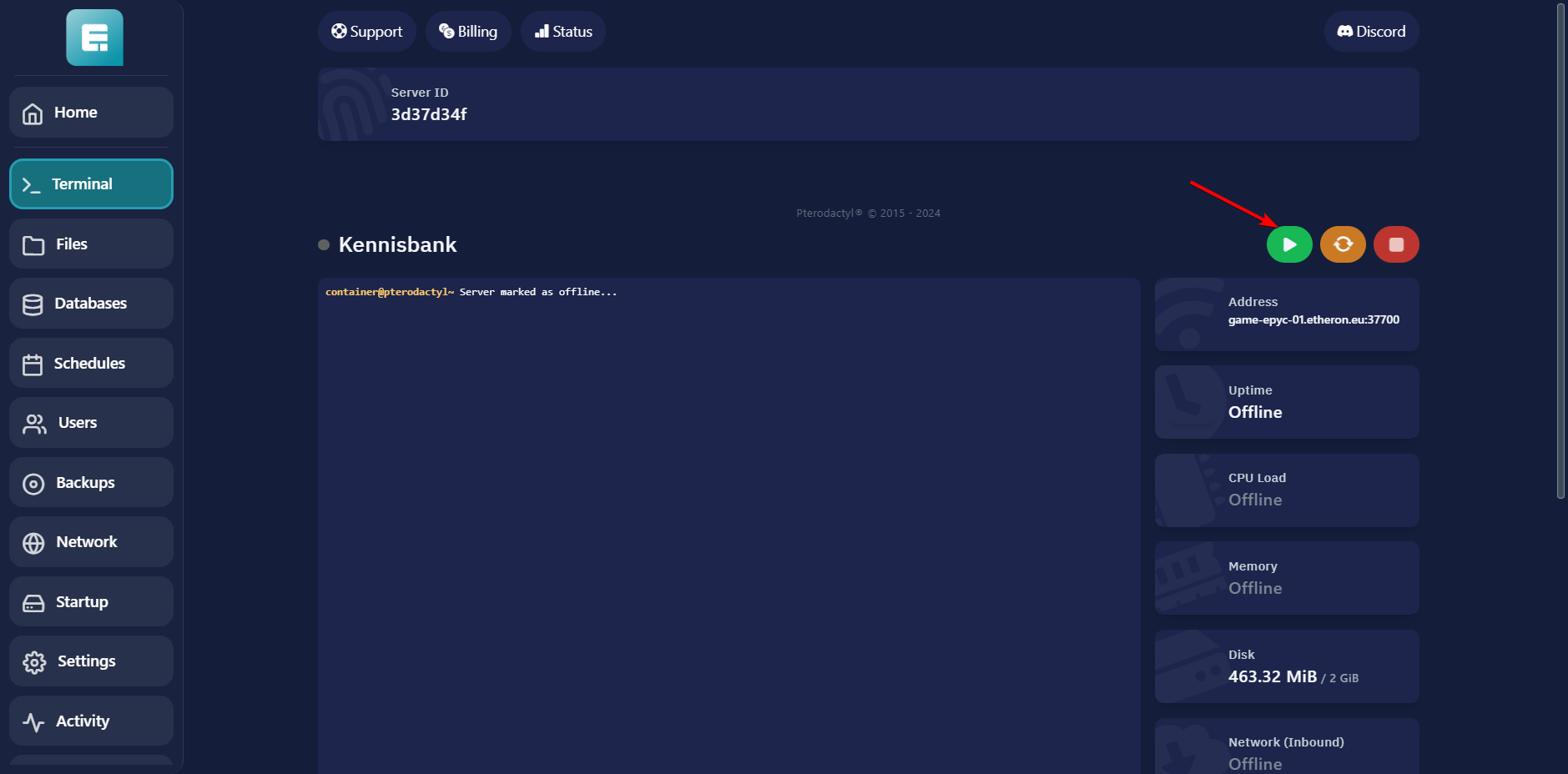
Turn off the server.
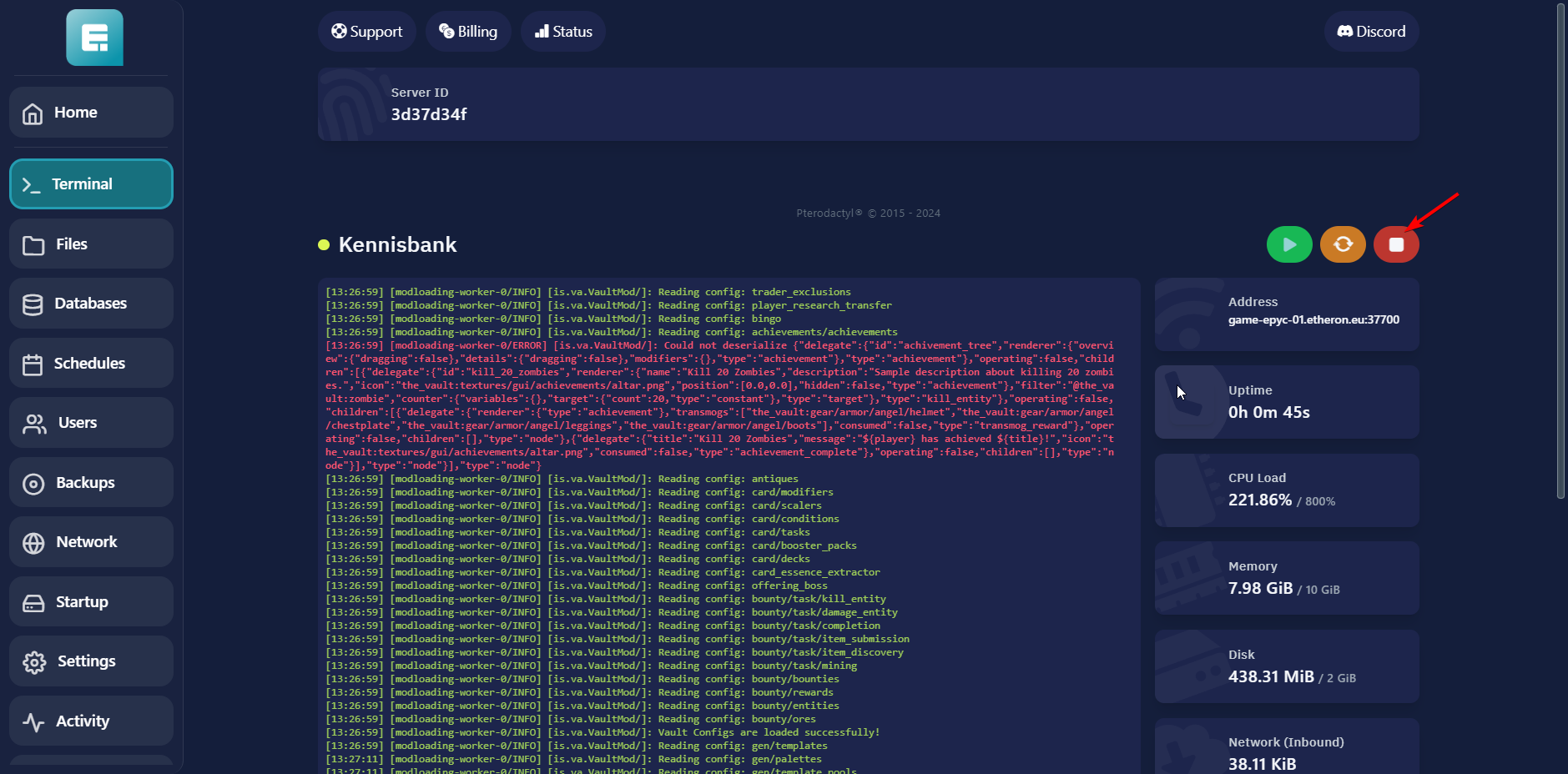
- Go to Files.
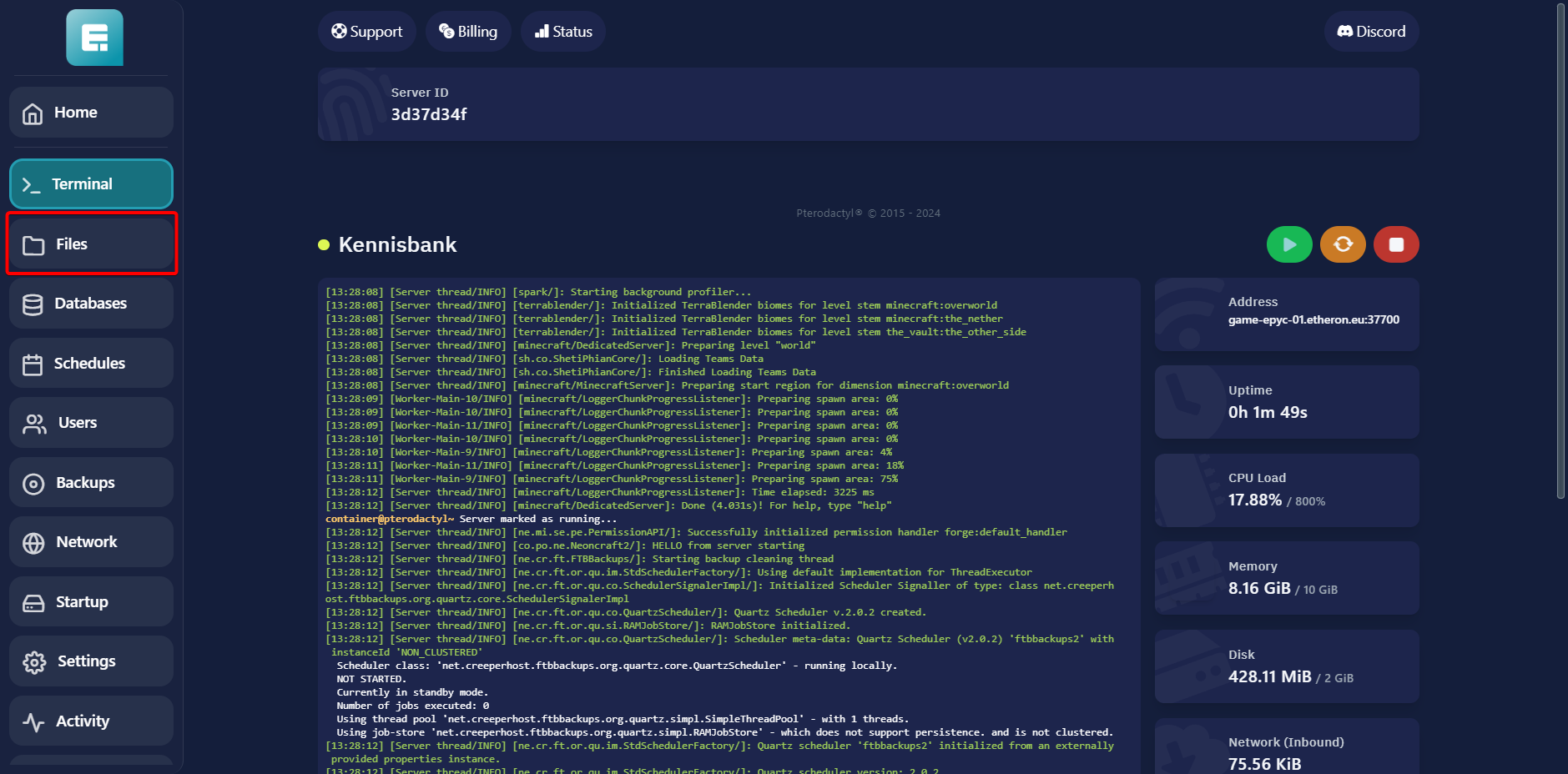
- Delete the old
world,world_nether, andworld_the_endfolders.
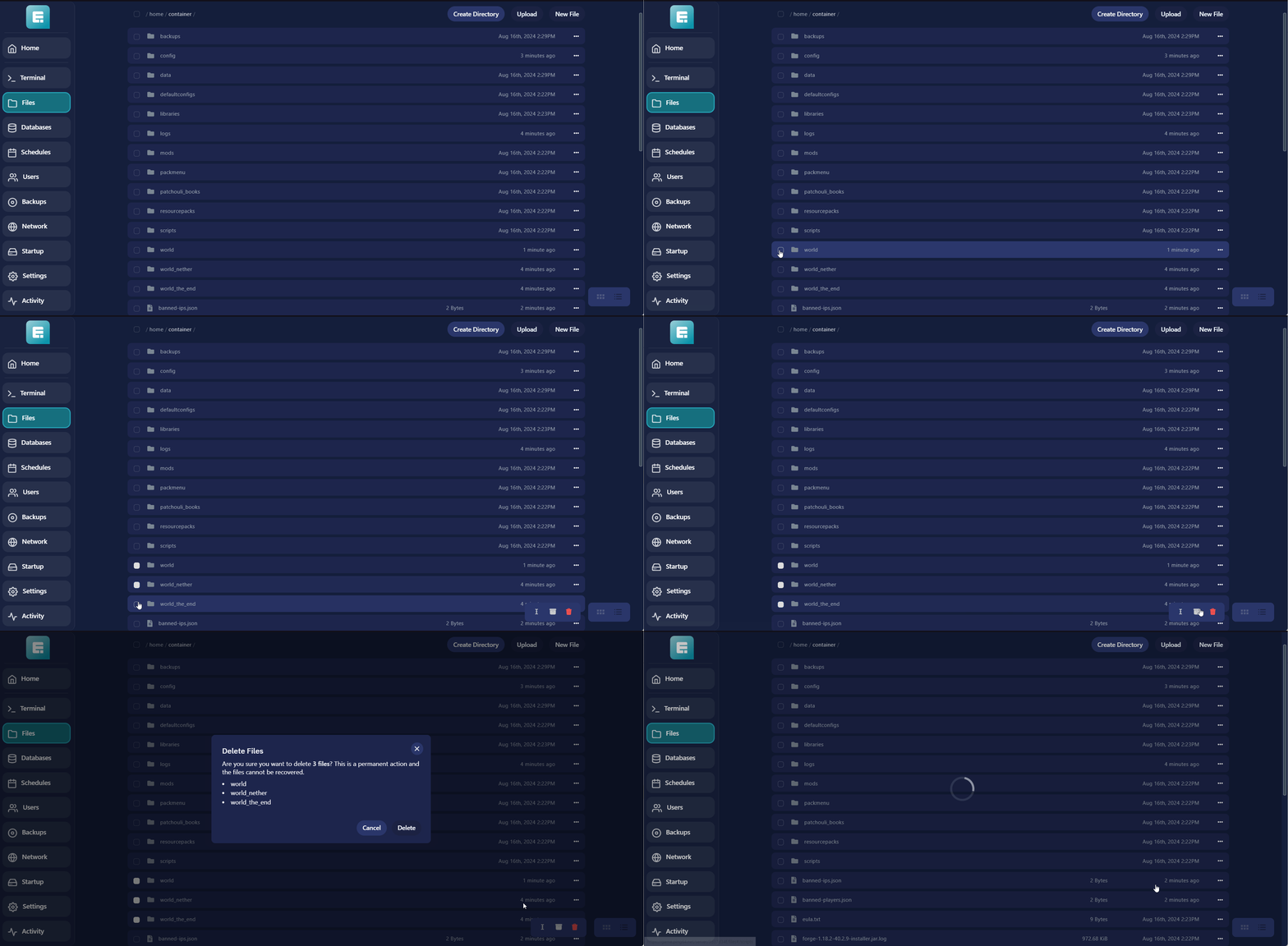
- Zip your own world folder and also keep an unpacked version for a later step.
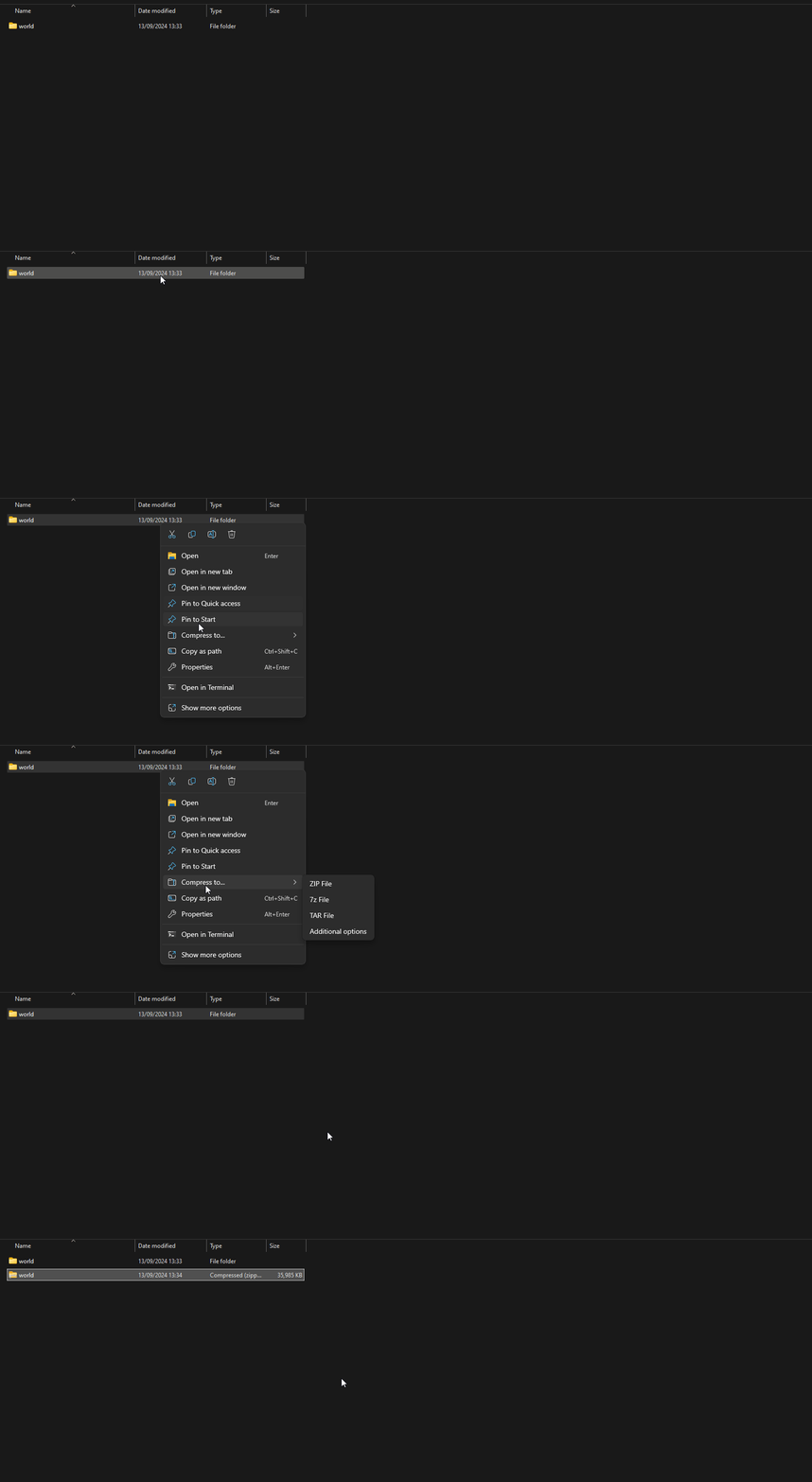
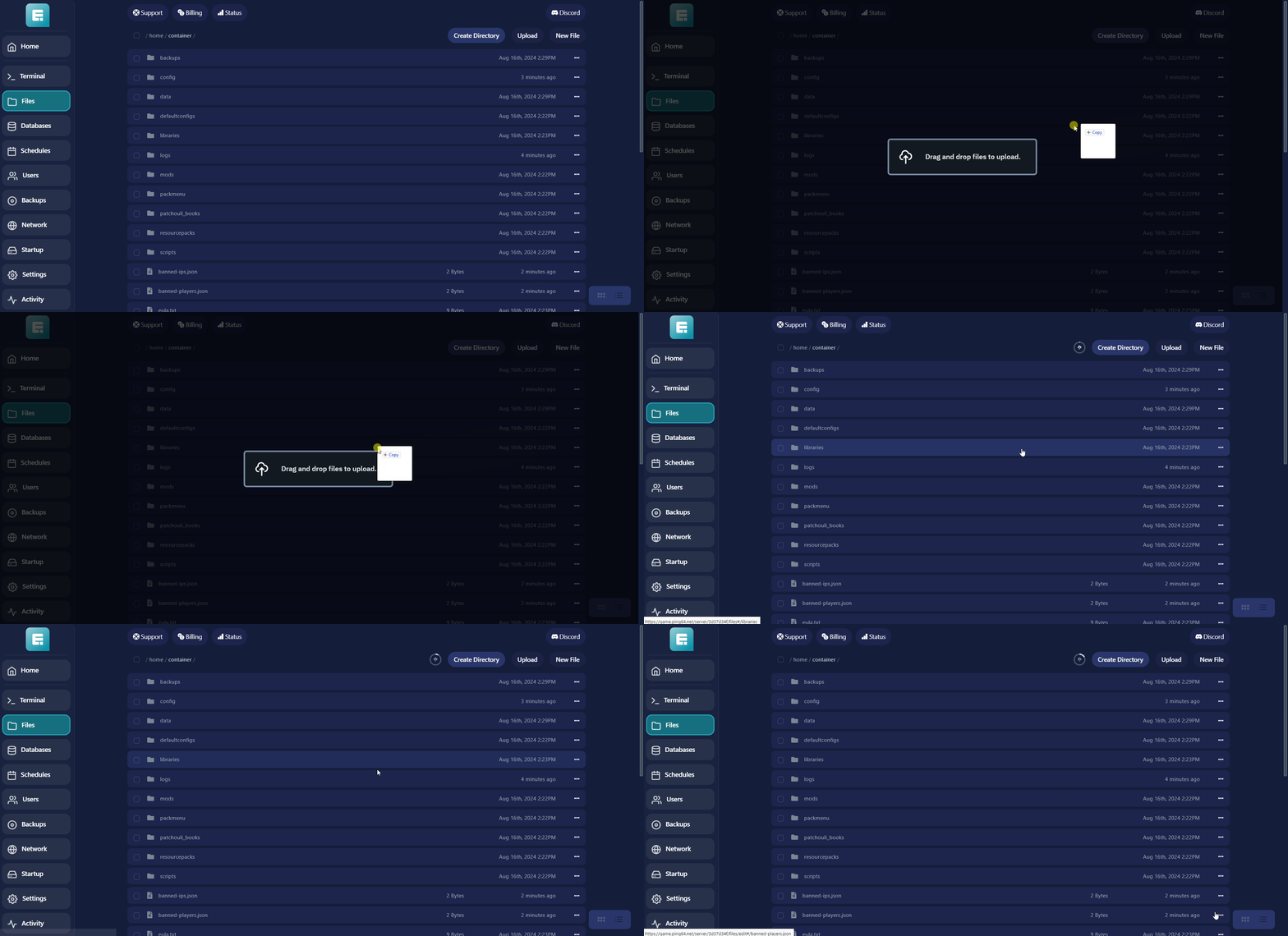
- Upload the zipped folder to the server.
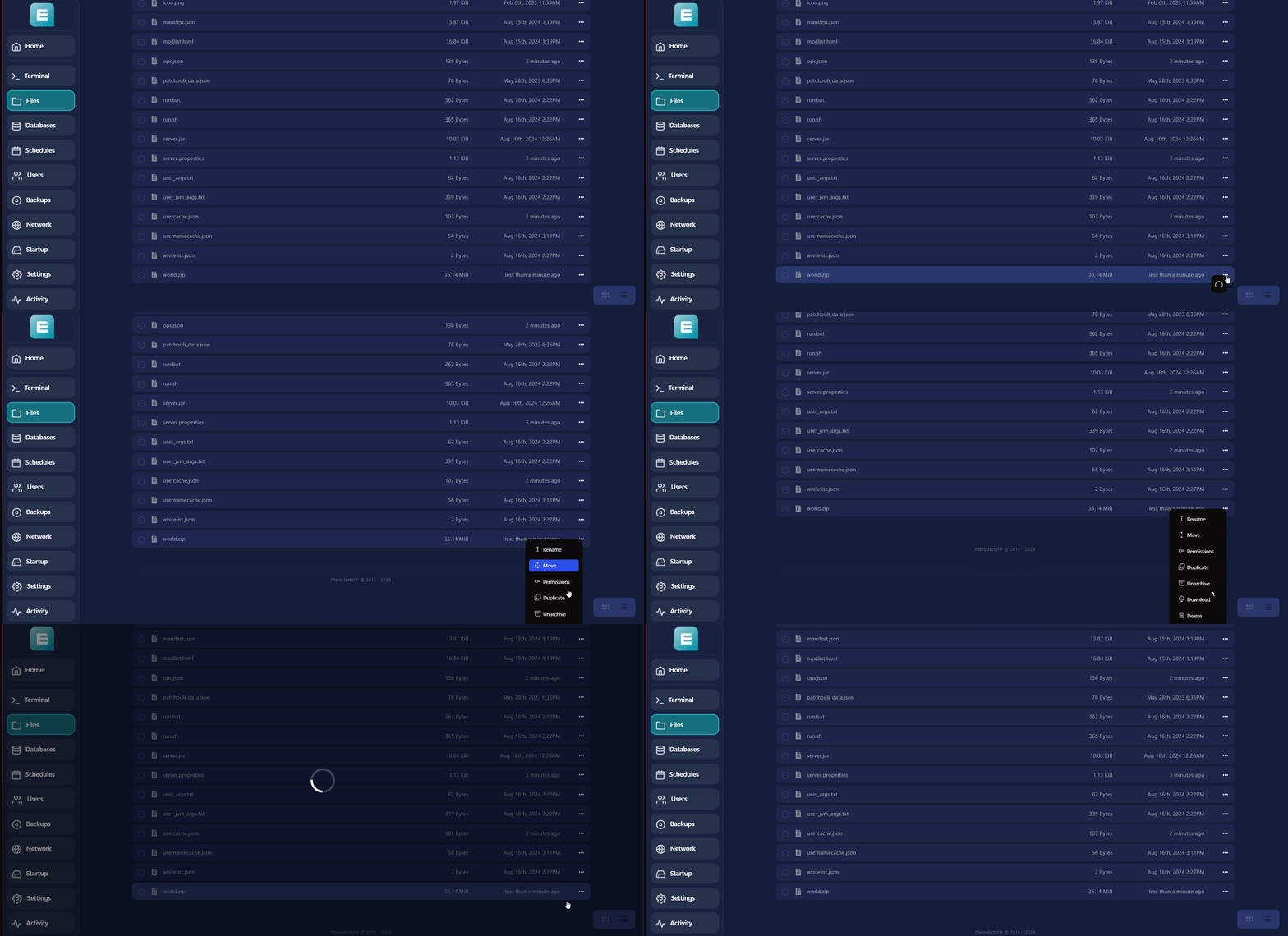
- Unzip the folder.
-
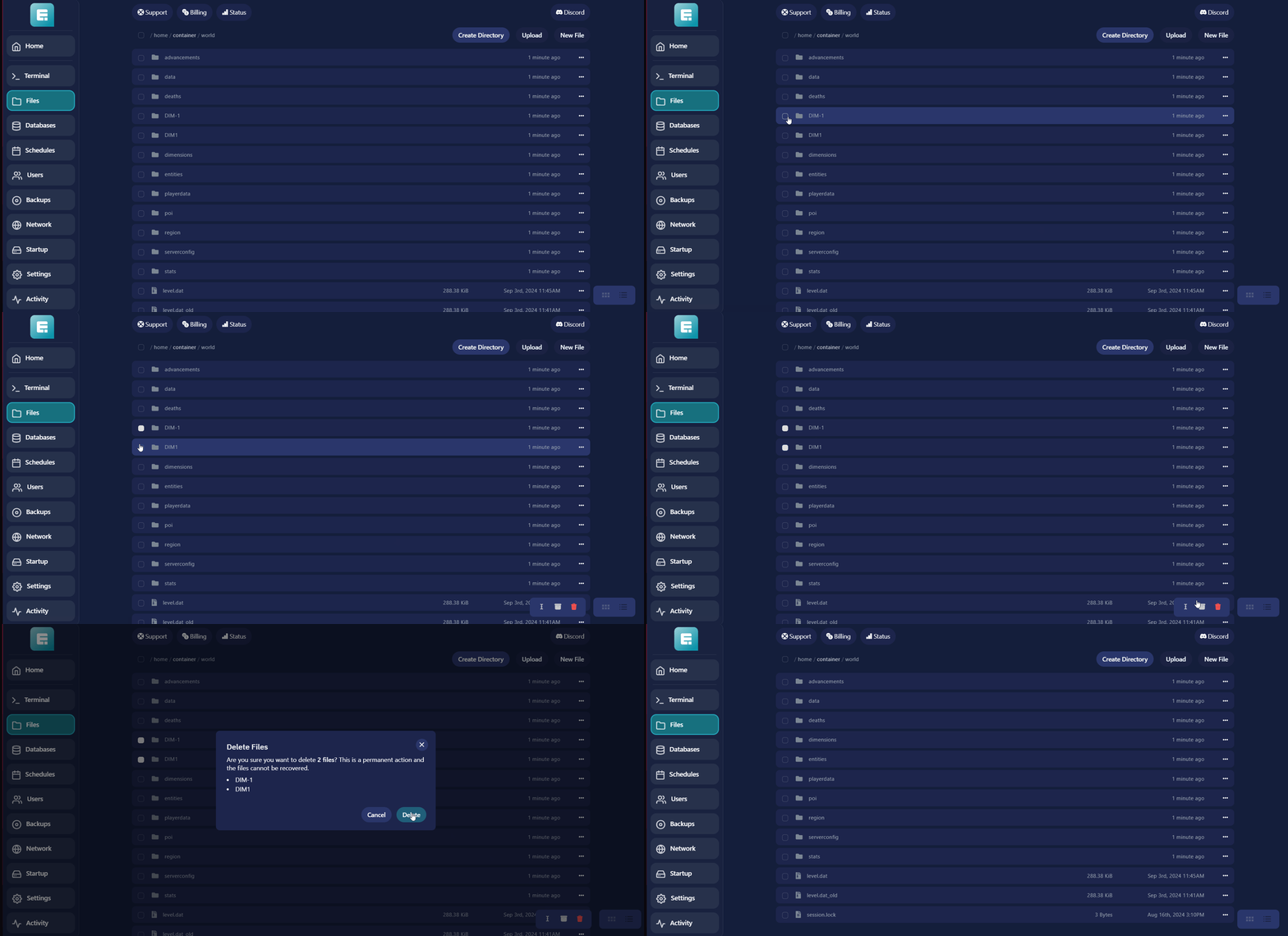
Go into the unzipped world folder.
-
Delete the DIM1 and DIM-1 folders.
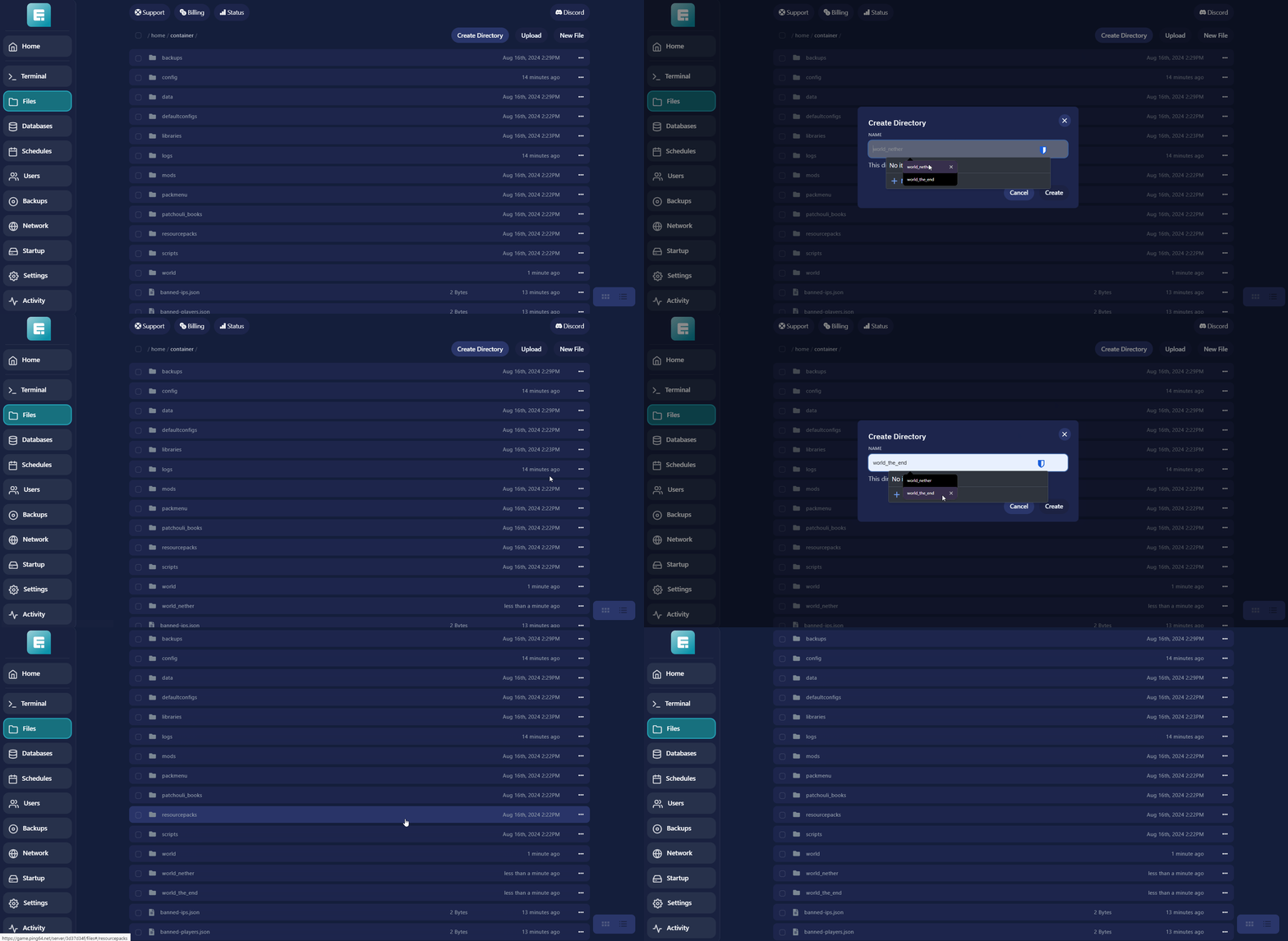
- Go back to the main directory and create two new folders: world_nether and world_the_end.
Note: Make sure the spelling is exactly as described.
-
Open the world folder on your computer.
-
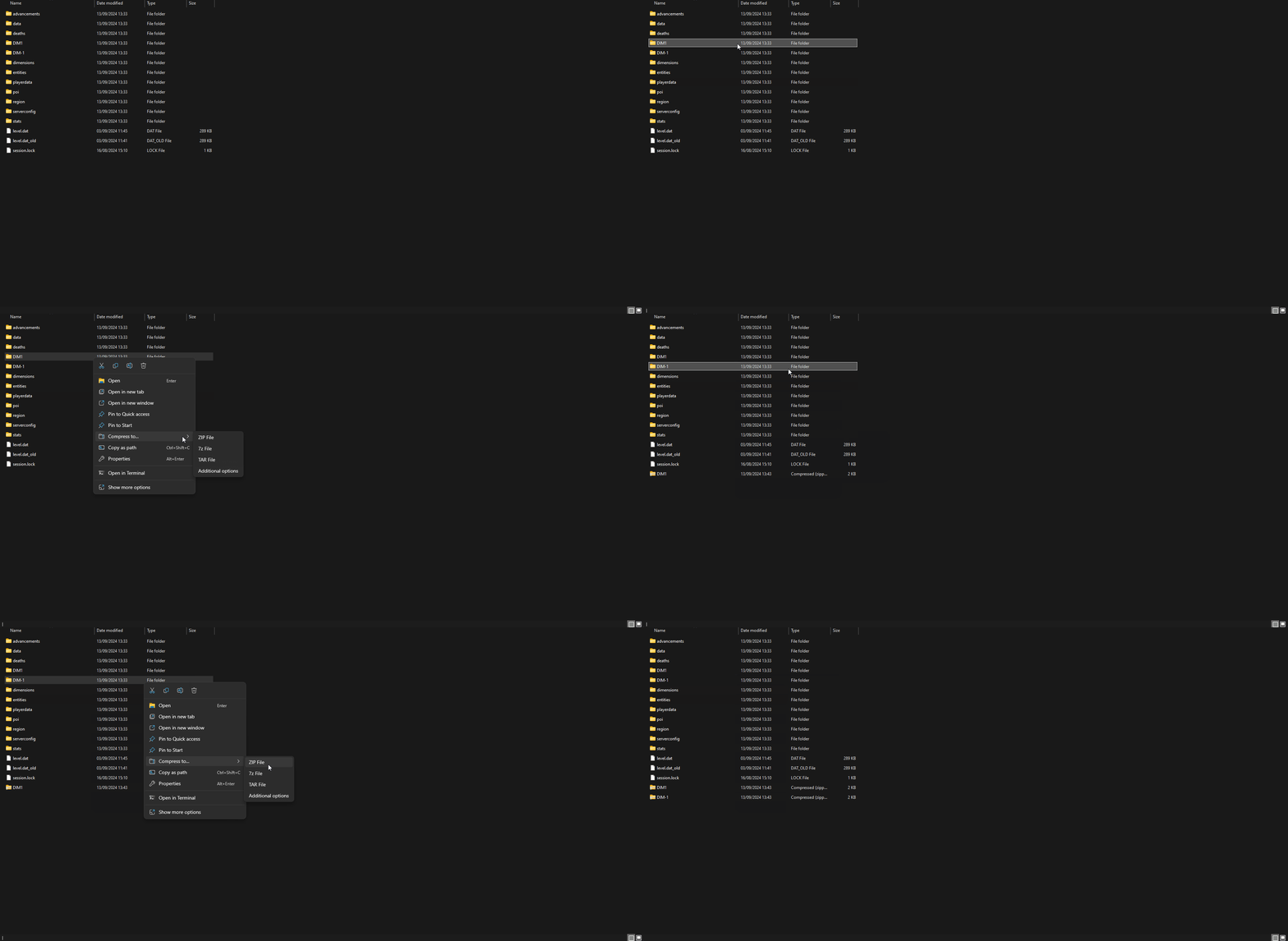
Zip the DIM1 and DIM-1 folders.
Important: Select them separately as shown in the GIF and not together. Otherwise, they’ll be zipped into one file.
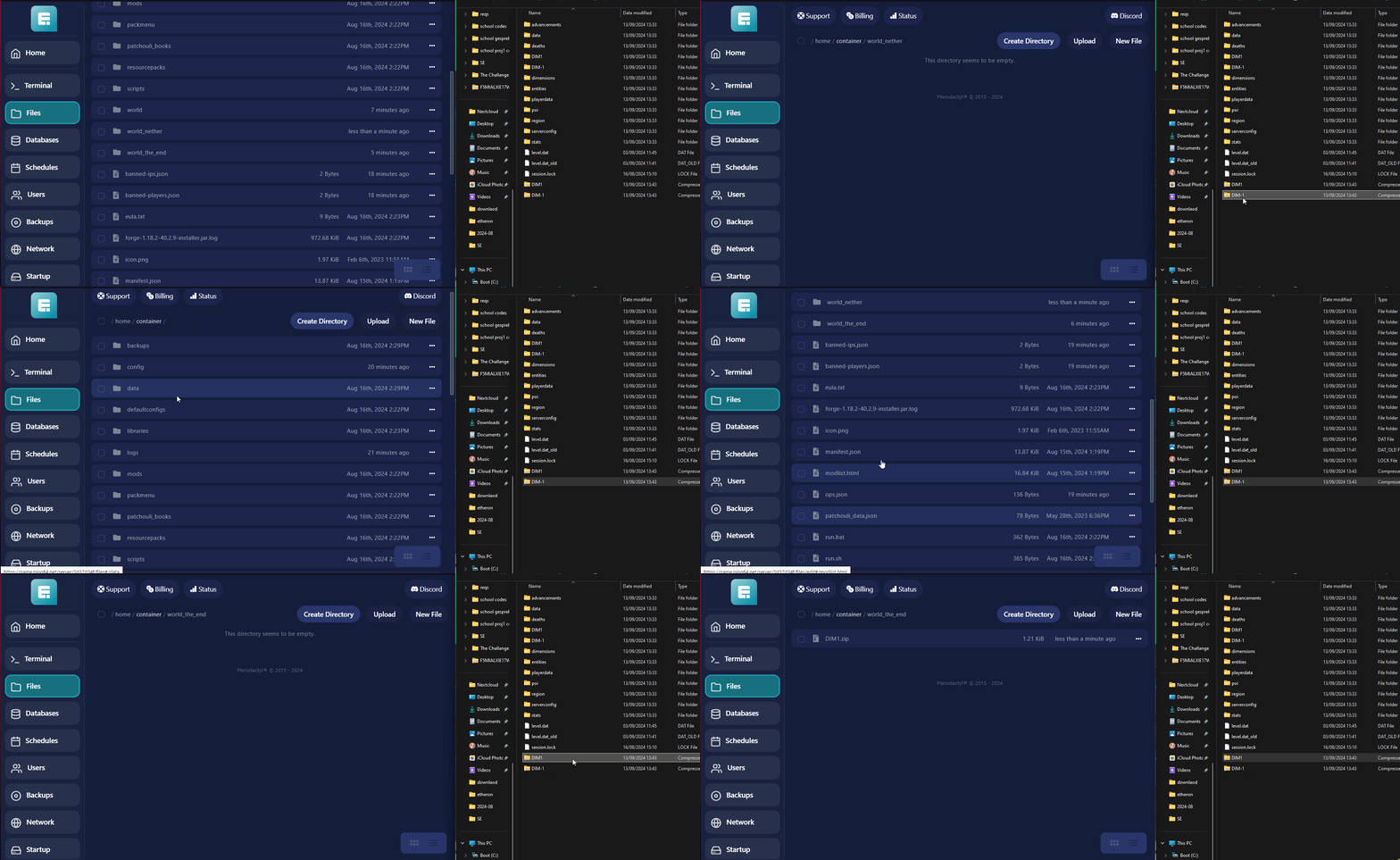
- Upload the zipped DIM1 and DIM-1 files again, each to its respective folder:
-DIM-1 goes into the **world_nether** folder.
- DIM1 goes into the world_the_end folder.
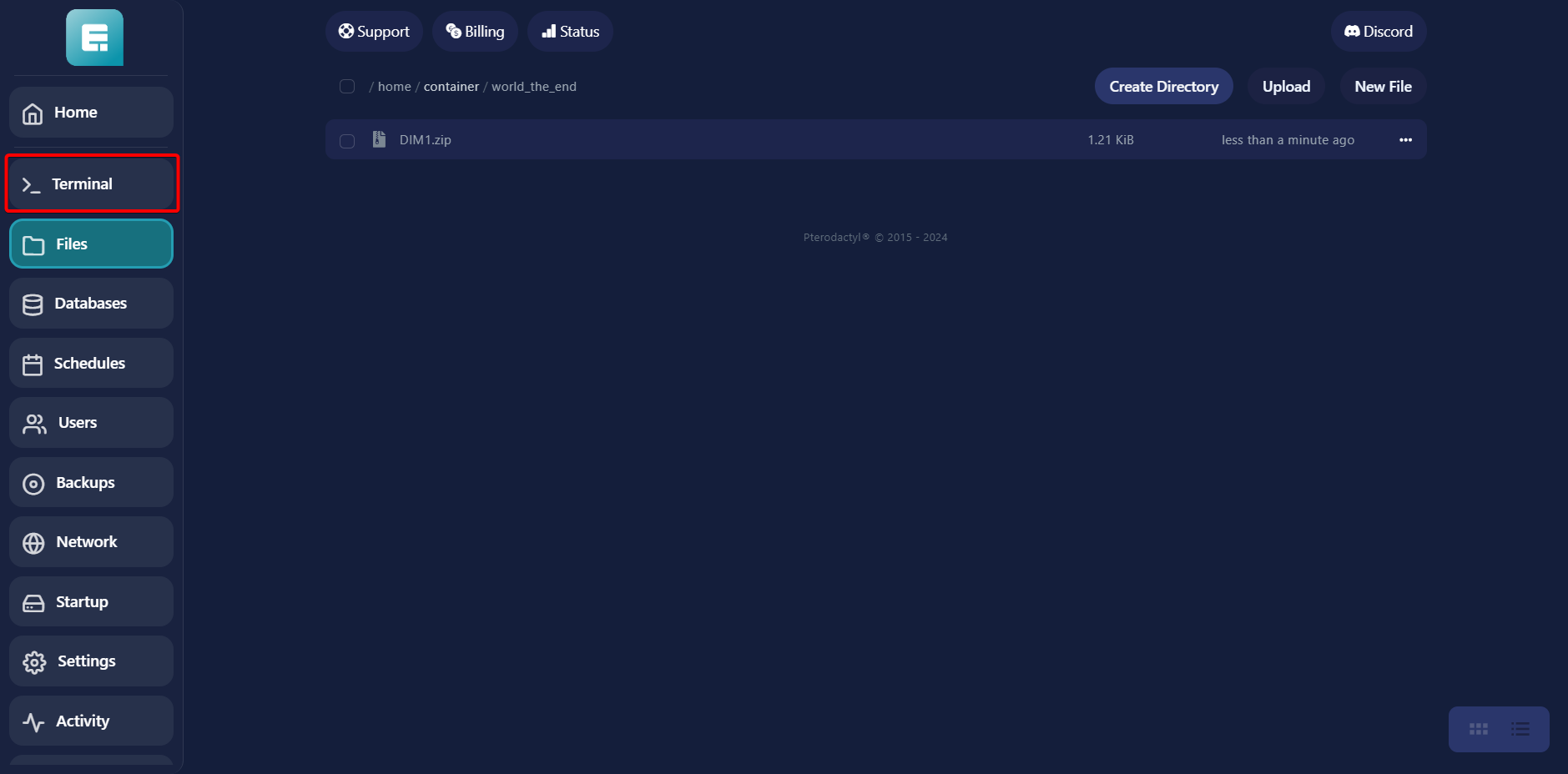
- Go to Terminal.
- Start the server.
If you encounter any issues, feel free to reach out via Discord or create a support ticket through this link.