
How do I turn off The End my Minecraft server?
Learn how to turn off The End my Minecraft server with clear step-by-step instructions.
Here’s How to Disable the End on Your Minecraft Server
Note: This does not work with a Vanilla server! You need the bukkit.yml file for this. Check this article on how to change your Minecraft server version.1. Log in to the game panel and go to the desired server.
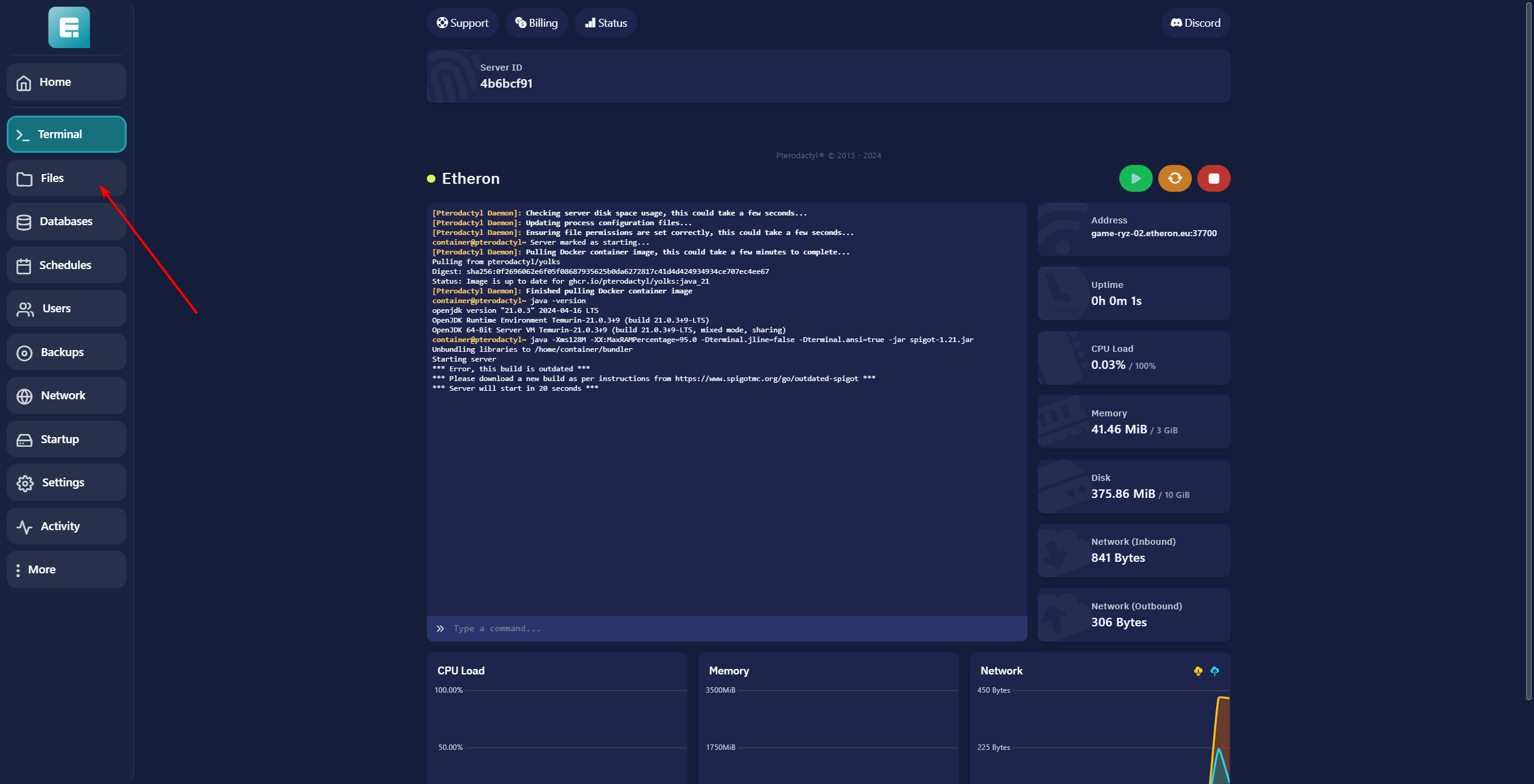
- Click on Files.
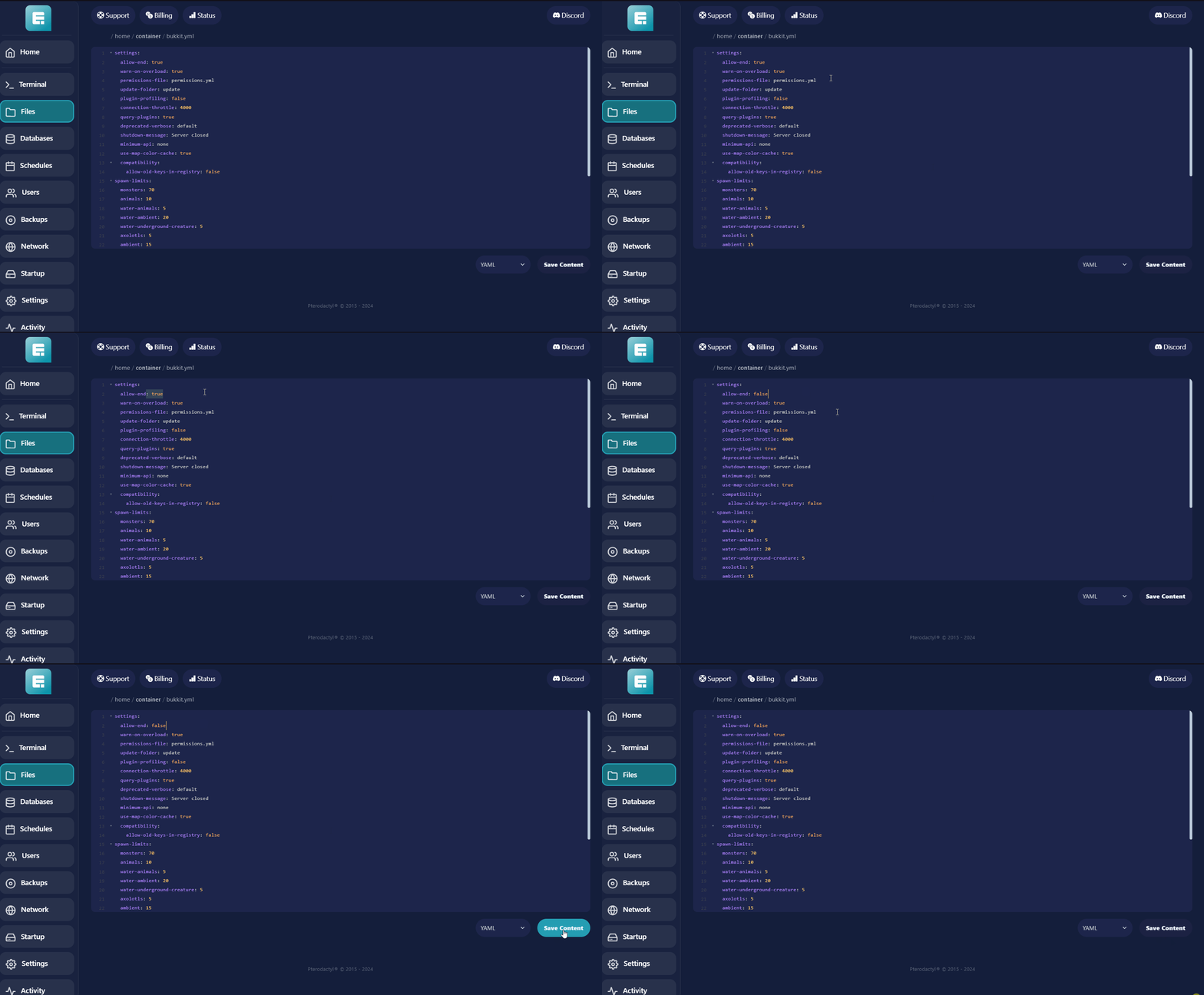
- Open the bukkit.yml file by clicking on it.

-
Change allow-end from true to false.
-
Click on Save Content.
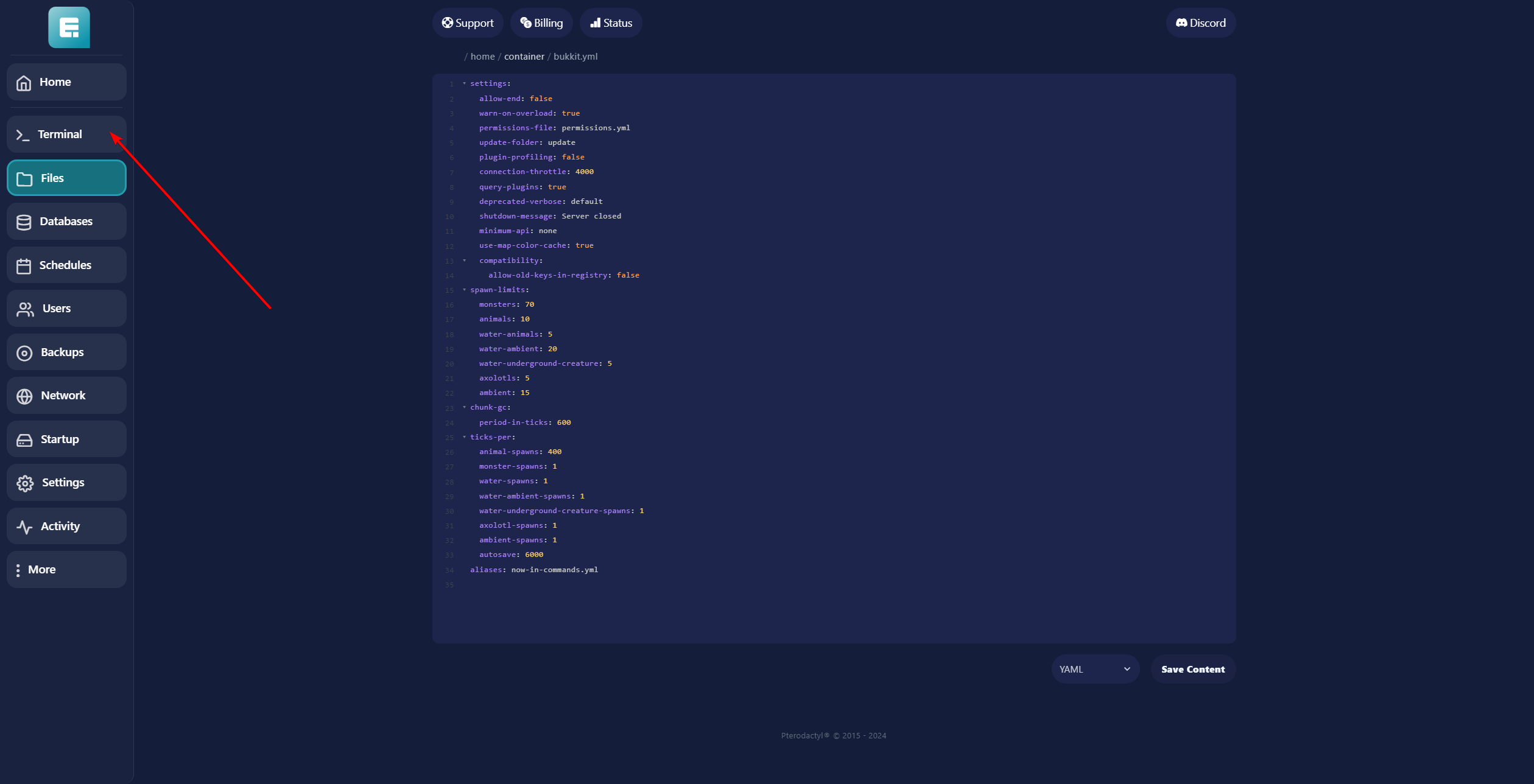
- Click on Terminal.
- Restart the server by clicking the yellow button.
If you encounter any issues, feel free to reach out via Discord or create a support ticket through this link.

Lars
Updated on: 09/09/2026
Was this article helpful?