
How do I turn off PVP on my Minecraft server?
Learn how to turn off PVP on my Minecraft server with clear step-by-step instructions.
Here’s How to Disable PVP on Your Minecraft Server
-
Log in to the game panel and go to the desired server.
-
Click on Files.
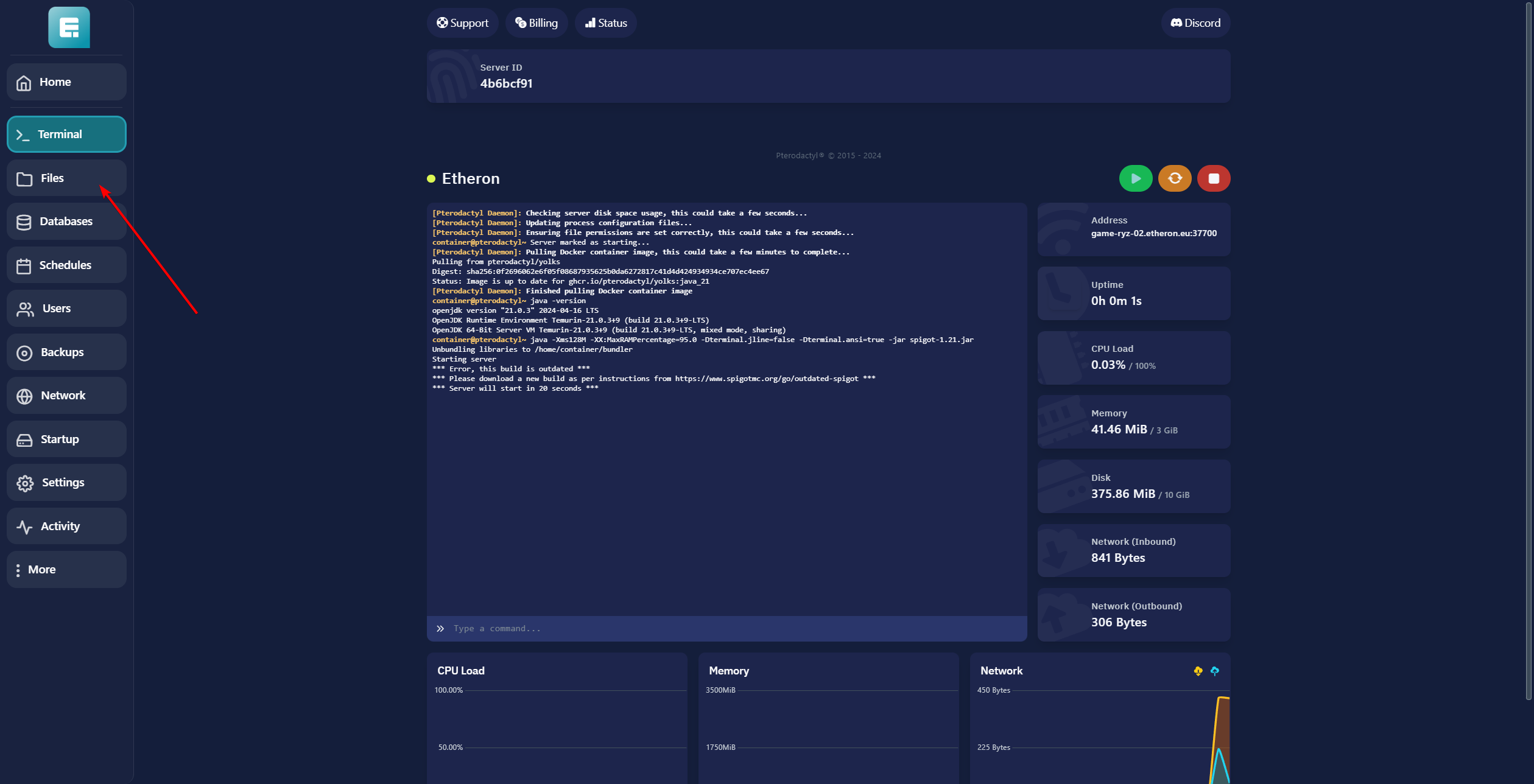
- Open the server.properties file by clicking on it.

-
Change pvp from true to false.
-
Click on Save Content.
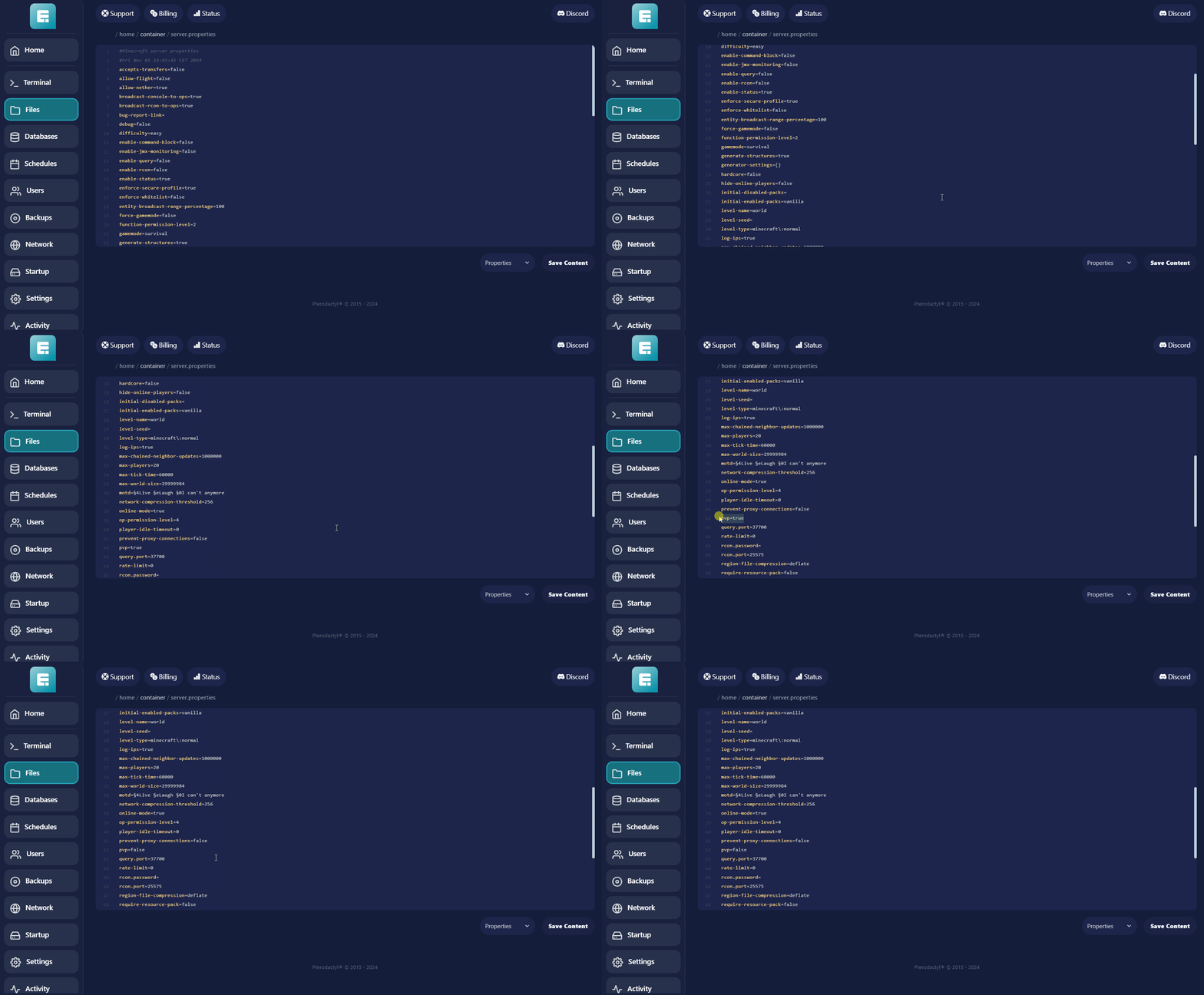
- Click on Terminal.
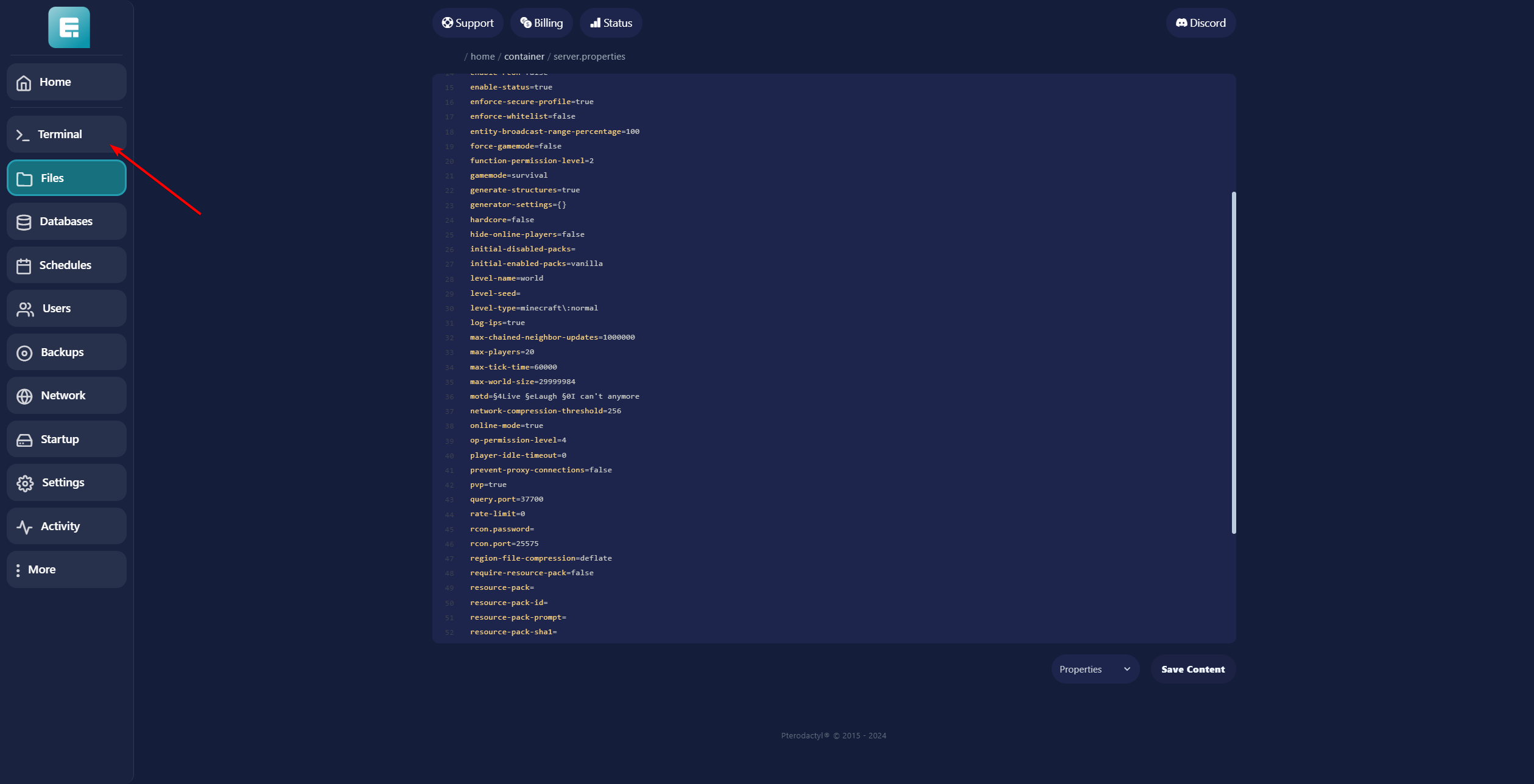
- Restart the server by clicking the yellow button.
If you encounter any issues, feel free to reach out via Discord or create a support ticket through this link.

Lars
Updated on: 09/09/2026
Was this article helpful?