
How do I Adjust the distance of the Spawn Protection on my Minecraft server?
Learn how to Adjust the distance of the Spawn Protection on my Minecraft server with clear step-by-step instructions.
Here’s How to Adjust Spawn Protection on Your Minecraft Server
-
Log in to the game panel and go to the desired server.
-
Click on Files.
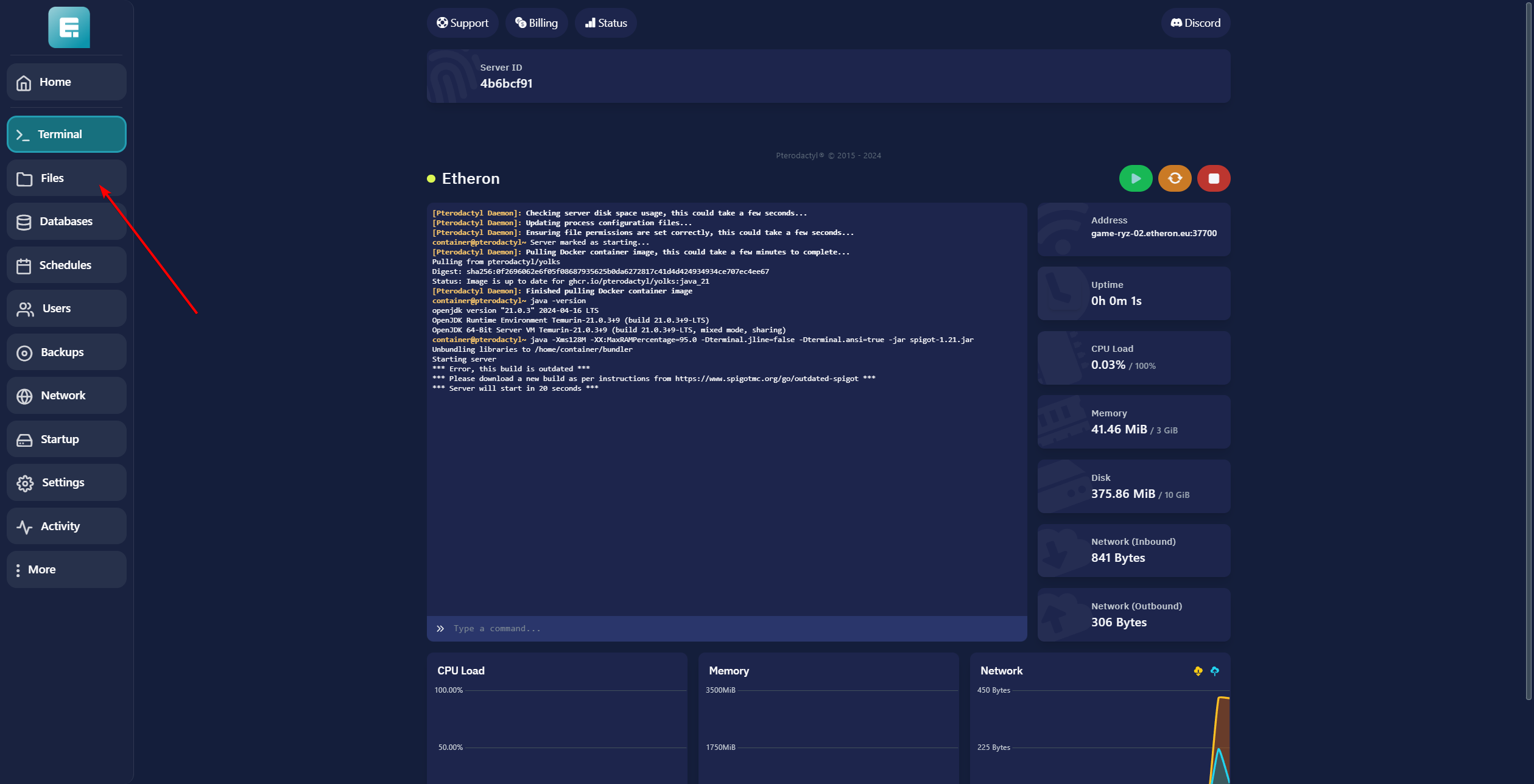
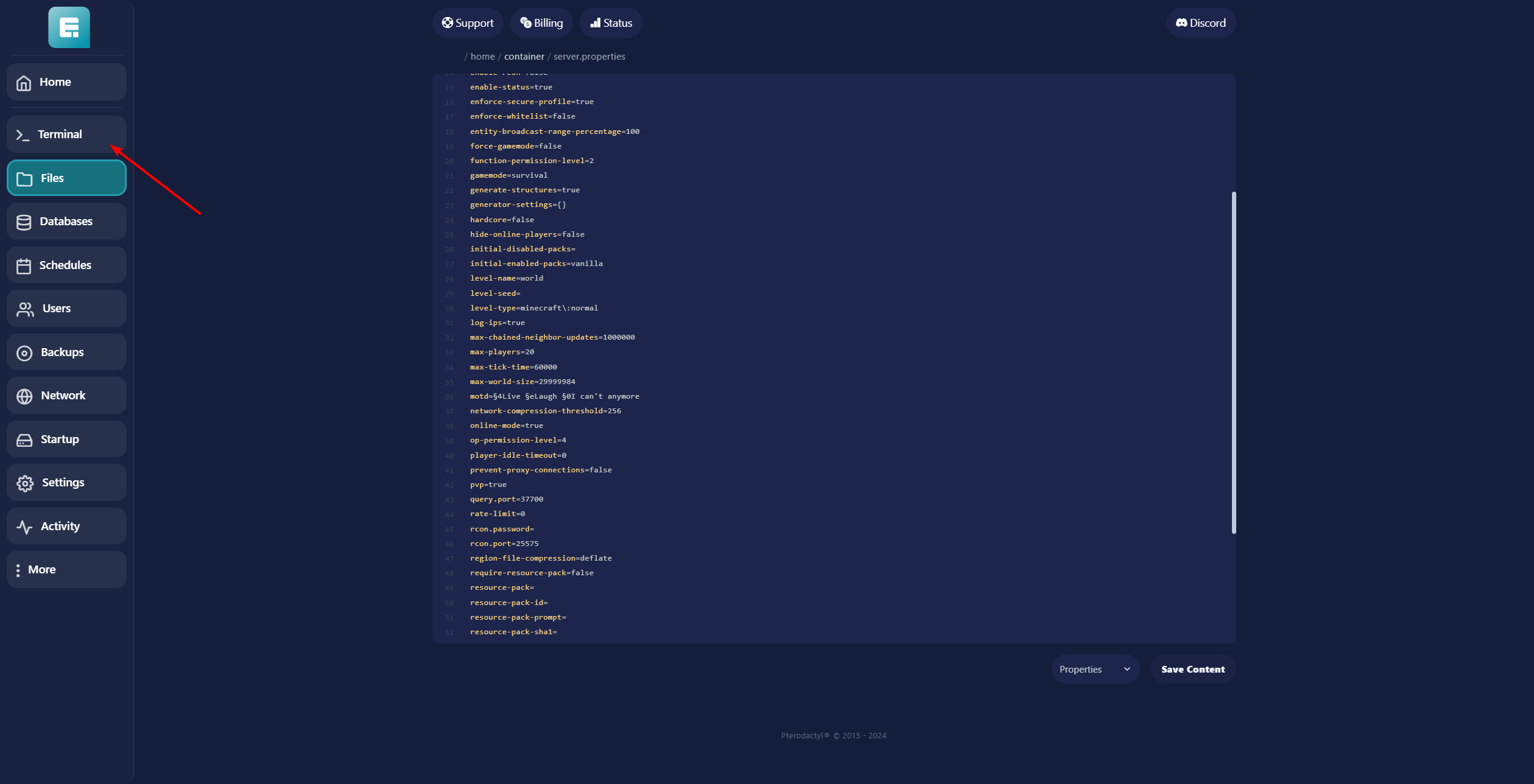
- Open the server.propertes file by clicking on it.

-
Change spawn-protection from the default value of 16 to your desired number (in our example, 32).
-
Click on Save Content.

- Click on Terminal.
- Restart the server by clicking the yellow button.
If you encounter any issues, feel free to reach out via Discord or create a support ticket through this link.

Lars
Updated on: 09/09/2026
Was this article helpful?