
How do I Reduce Lag on a Minecraft Server?
Do you often experience low TPS/lag? Here are some helpful tips to reduce it!
How to Reduce Lag on a Minecraft Server
Do you often experience low TPS/lag? Here are some helpful tips to reduce it!
- First, we recommend using Paper Spigot. This version is well-optimized. You can find instructions on how to change the version here.
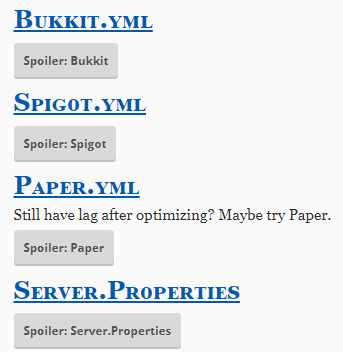
- Once you have Paper Spigot running, there are additional settings that can be adjusted. More information can be found here.
3**. Pre-generating the world** can significantly reduce lag. You can do this using a plugin like Chunky. Let it run overnight on your server and stop it before you start playing. Generating new chunks should now cause less lag.
- Upgrade to a Premium Server Package instead of a Standard Server Package. See: https://etheron.eu/game/minecraft-hosting
Want to upgrade to Premium? Create a ticket, and we'll arrange it for you!If you encounter any issues, feel free to reach out via Discord or create a support ticket through this link.
Lars
Updated on: 09/09/2026
Was this article helpful?