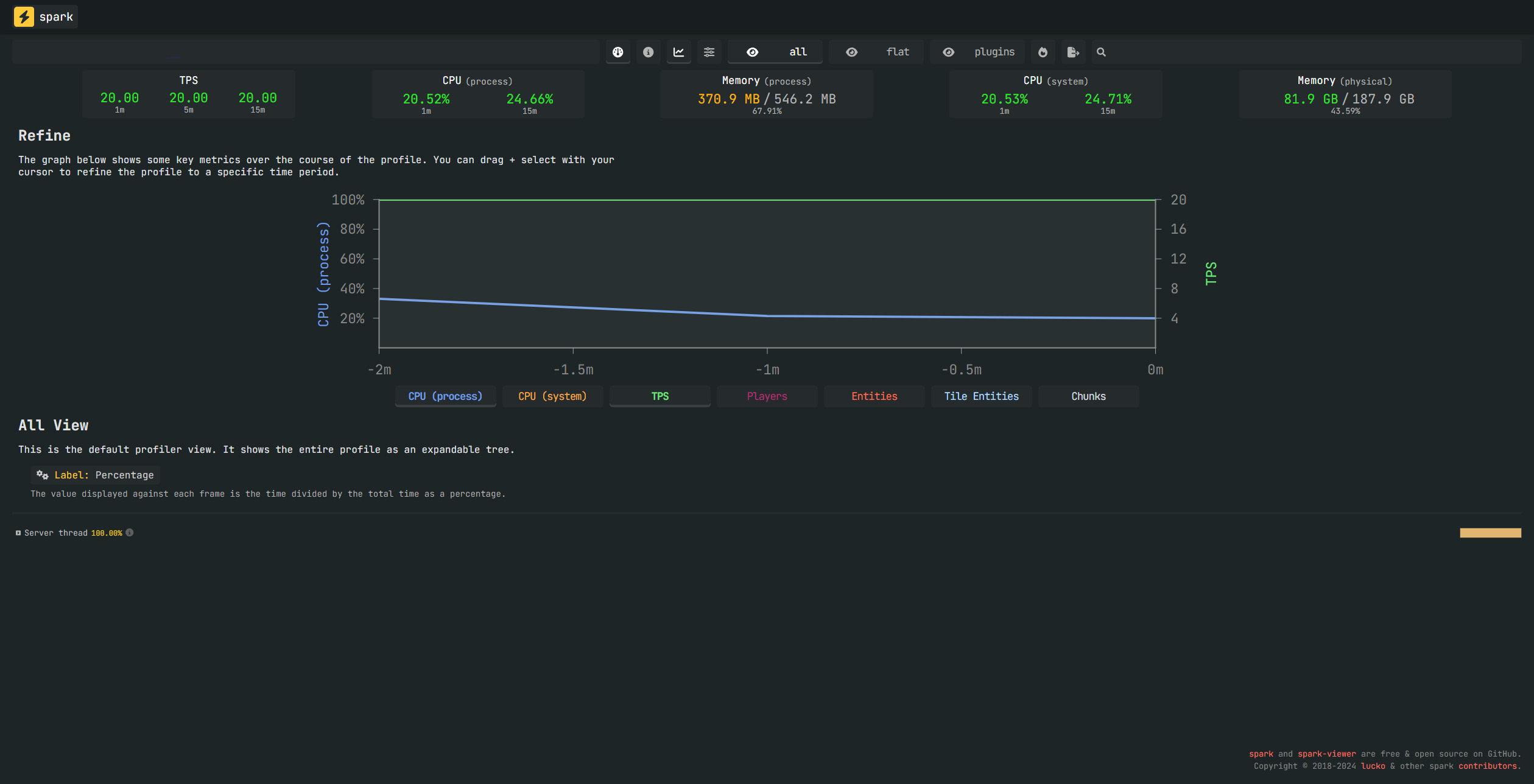
How do I install Spark on my Minecraft server?
Installing Spark on a Forge/Fabric Server
Here’s a guide on installing Spark on both Forge/Fabric and Bukkit/Spigot/Paper servers and setting it up.
Installing Spark on a Forge/Fabric Server
-
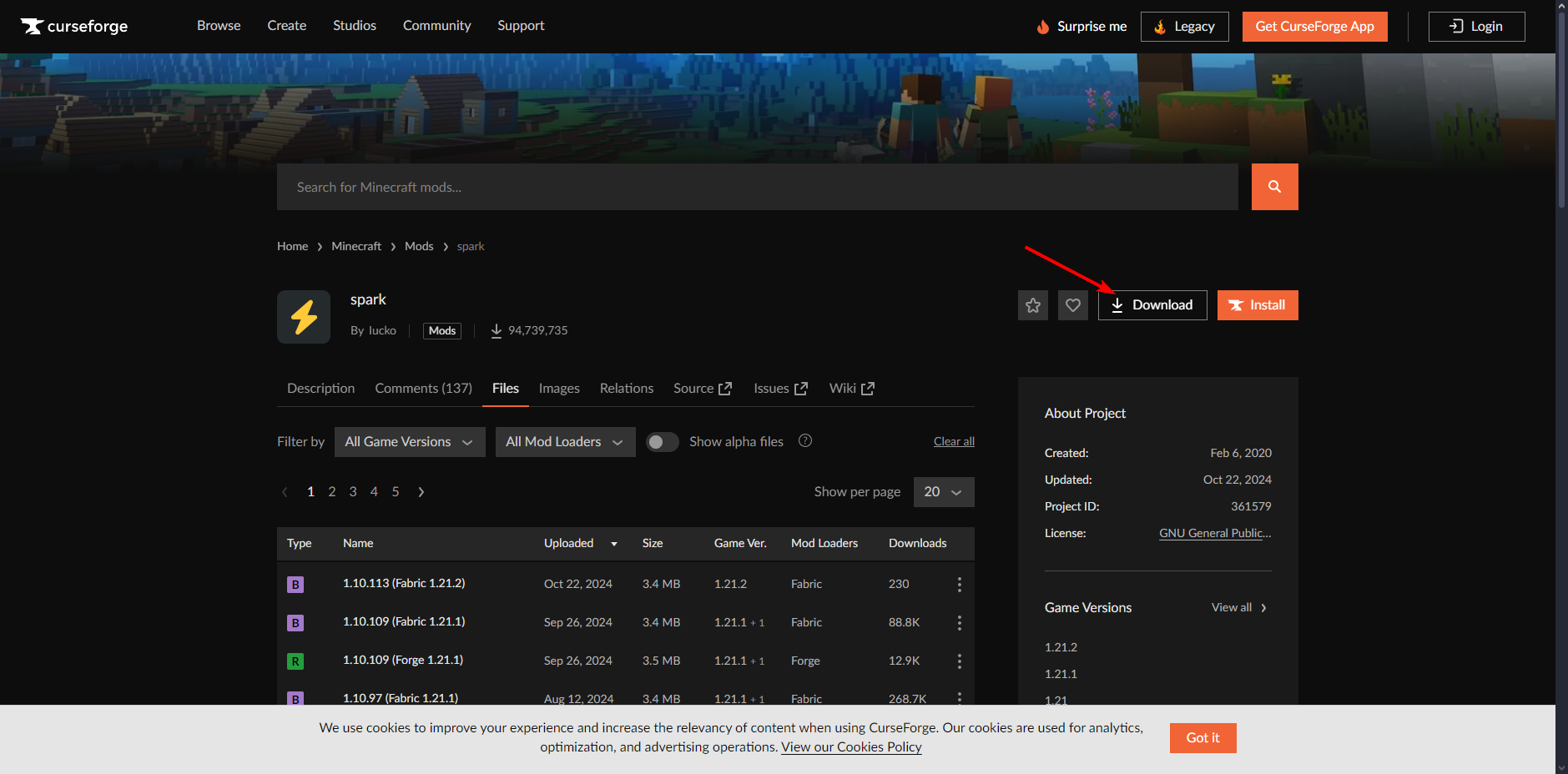
Go to the Spark download page via this link.
-
Click on Download.
- Enter the necessary server details and click Download File.
we recommend using the latest version.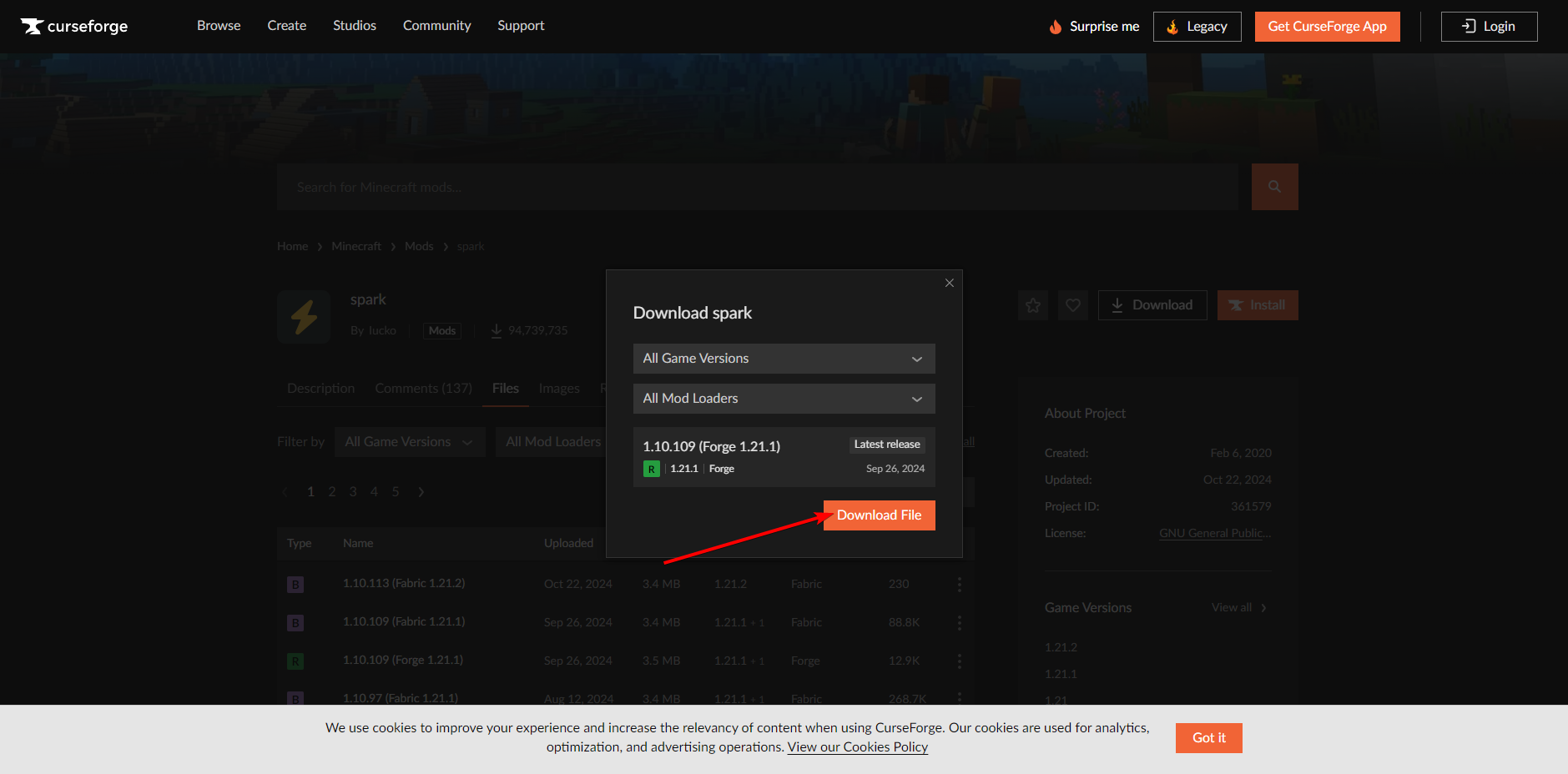
-
Open the desired server in your game panel.
-
Shut down the server by clicking the red button.

- Click on Files.
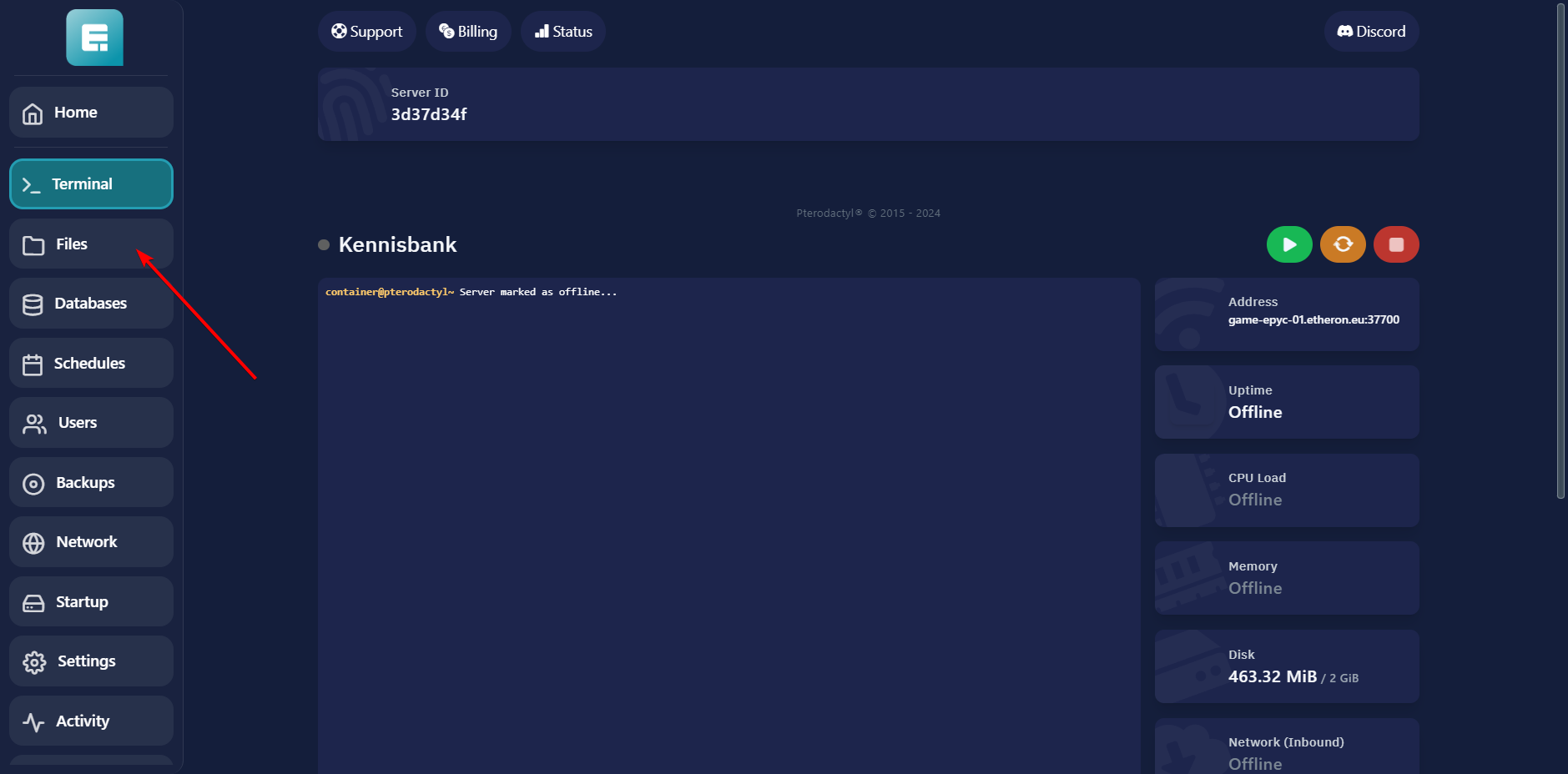
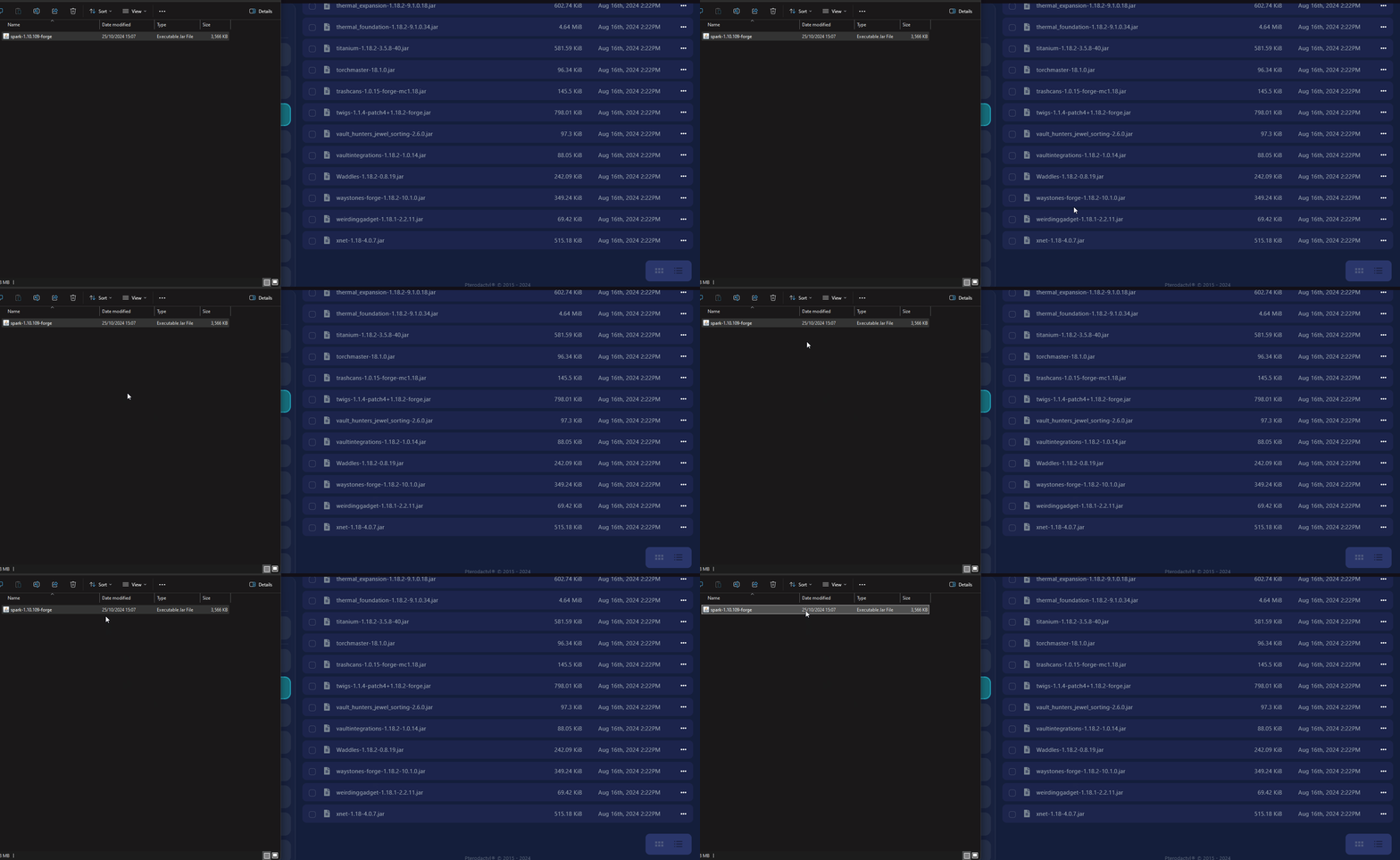
- Go to the mods folder.

- Drag the downloaded Spark mod into this folder.
-
Navigate to Terminal.
-
Start the server (green button).

Now Spark is installed! Proceed to the "How to Set Up Spark" section.
Installing Spark on a Bukkit/Spigot/Paper Server
-
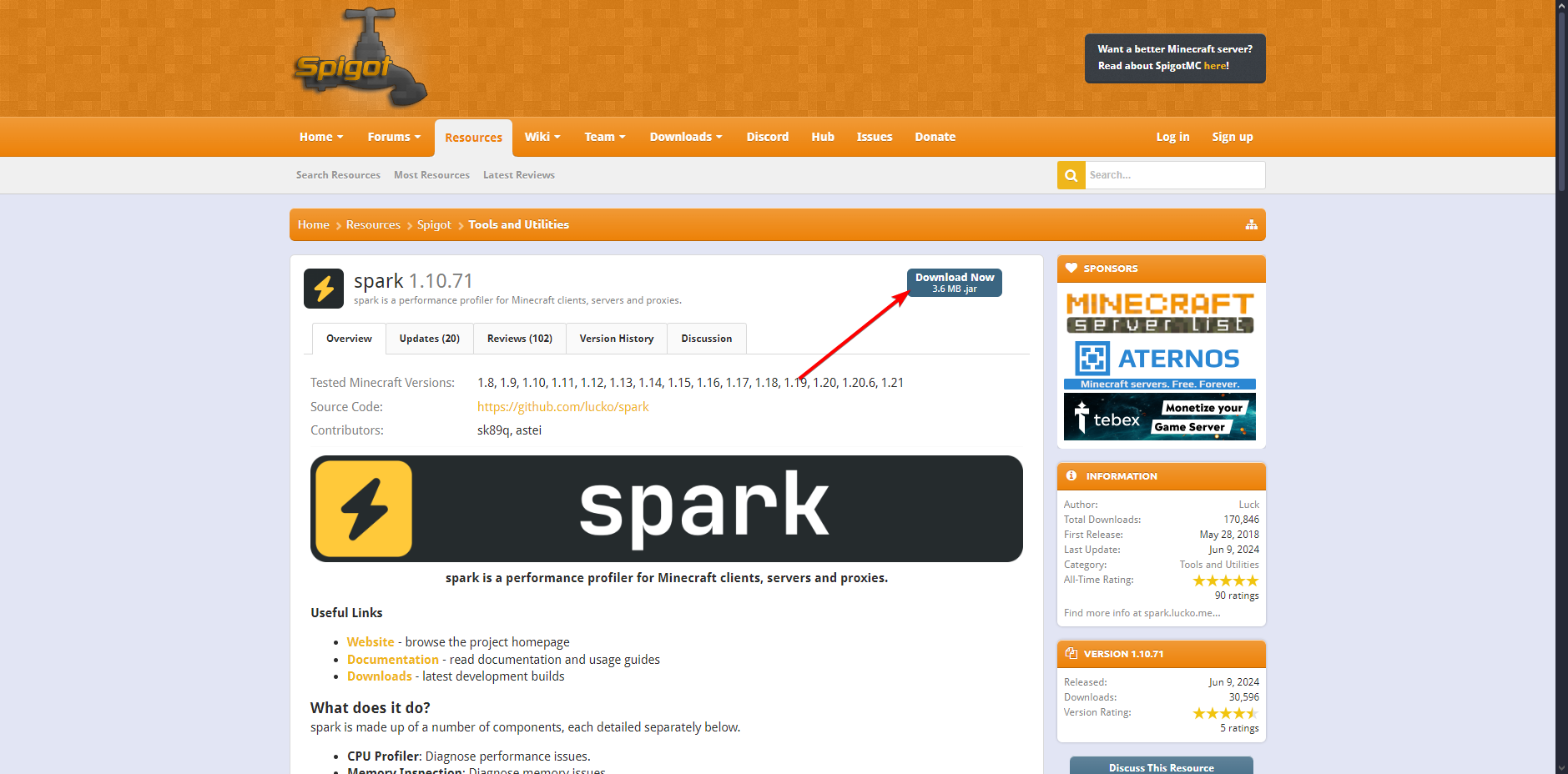
Go to the Spark download page via this link.
-
Click Download Now.
-
Open the desired server in your game panel.
-
Shut down the server by clicking the red button.

- Click on Files.
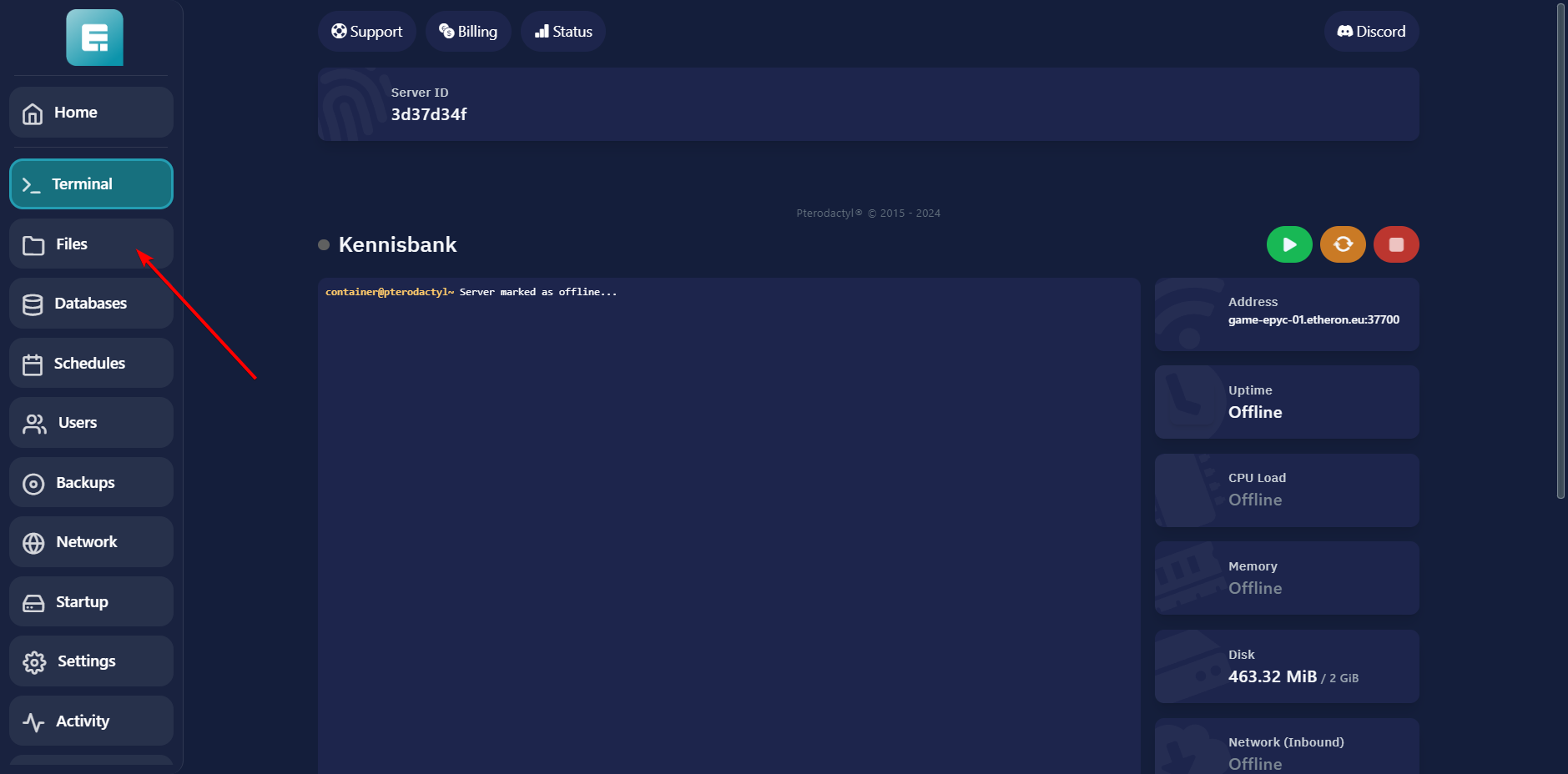
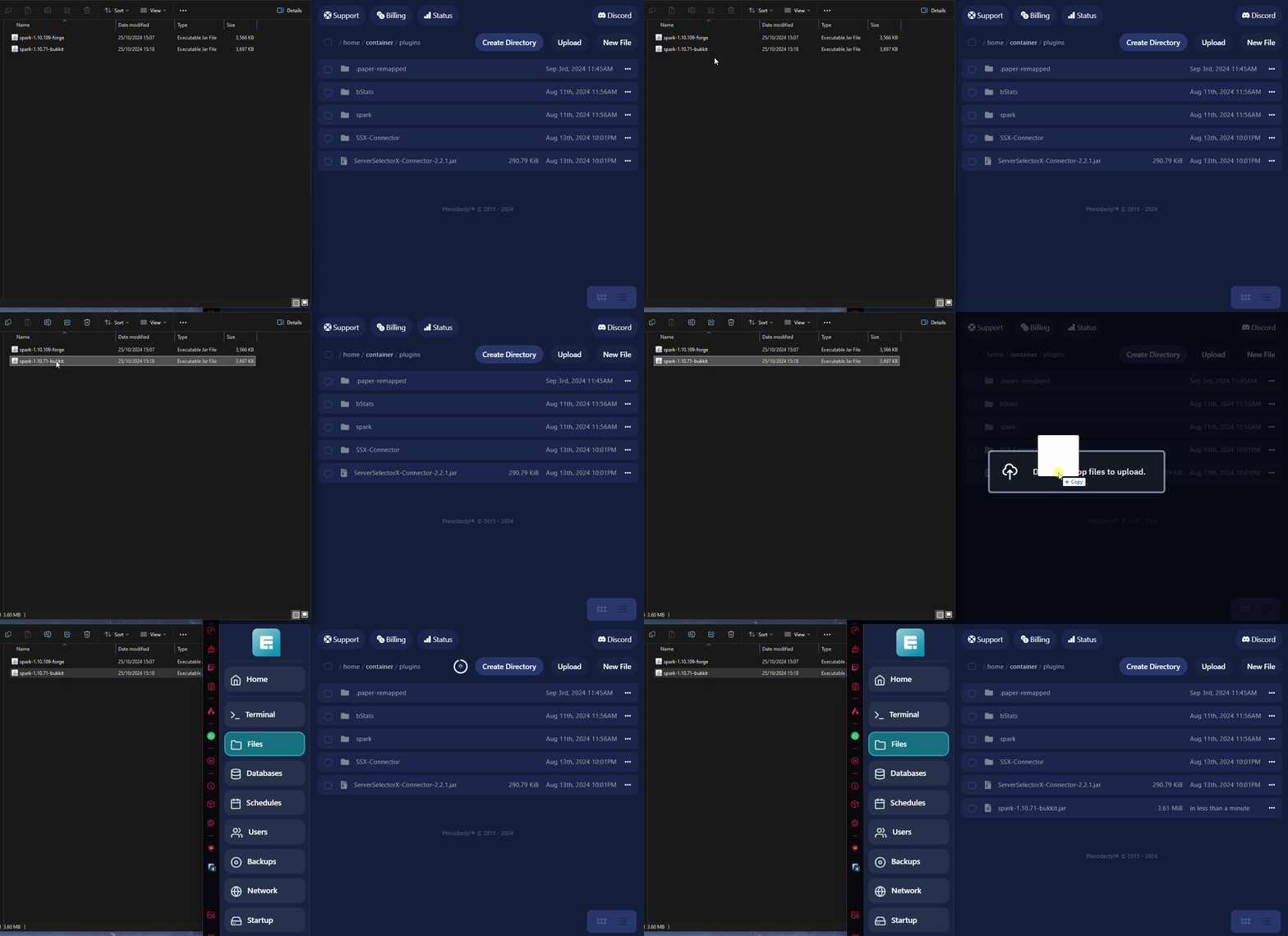
- Go to the Plugins folder.

-
Drag the downloaded plugin into this folder.
-
-
Go to Terminal.
-
Start the server (green button).

Now Spark is installed! Continue to the "How to Set Up Spark" section.
How to Set Up Spark
- Log in to your server.
Ensure you have OP permissions. If you’re unsure how to get these, refer to this knowledge base article.2. Run the command: /spark profiler start
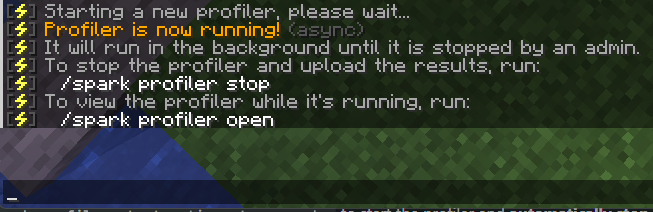
- Follow with the command: /spark profiler open
This will provide a link to the server diagnostics.4. Click the link.
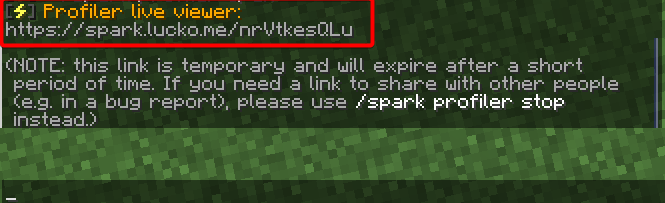
- This will open a webpage where you can identify any issues with your server.
If you encounter any issues, feel free to reach out via Discord or create a support ticket through this link.