
How do I install datapacks on my Minecraft server?
Learn how to install datapacks on my Minecraft server with clear step-by-step instructions.
Here we explain how to install datapacks on your Minecraft server.
-
Download the desired datapack. This should be a folder or a ZIP file.
-
Go to the game panel and select the server you want to install the datapack on.
-
On the left side, click on Files.
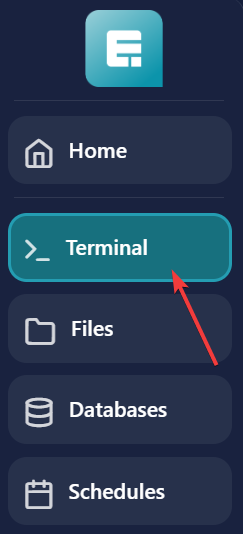
- Navigate to the world folder and then click on datapacks.
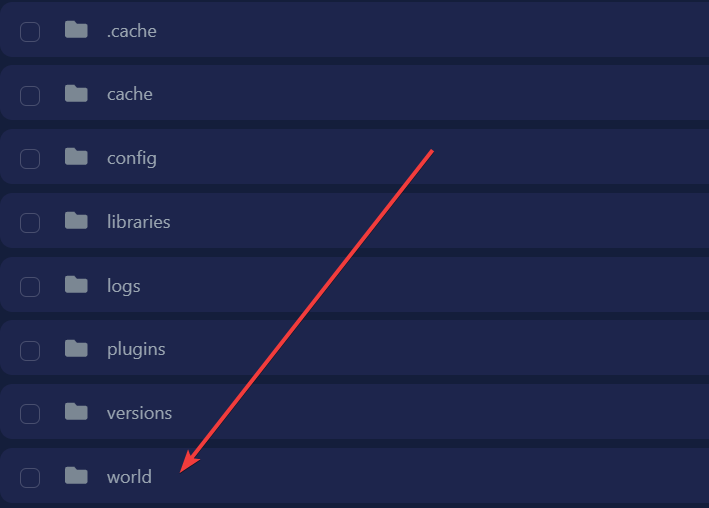
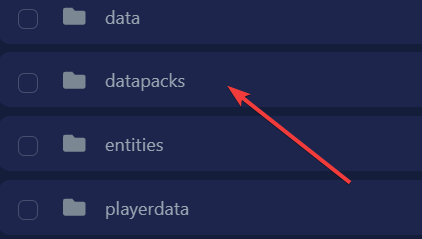
- Upload the datapack by dragging it into the datapacks folder.
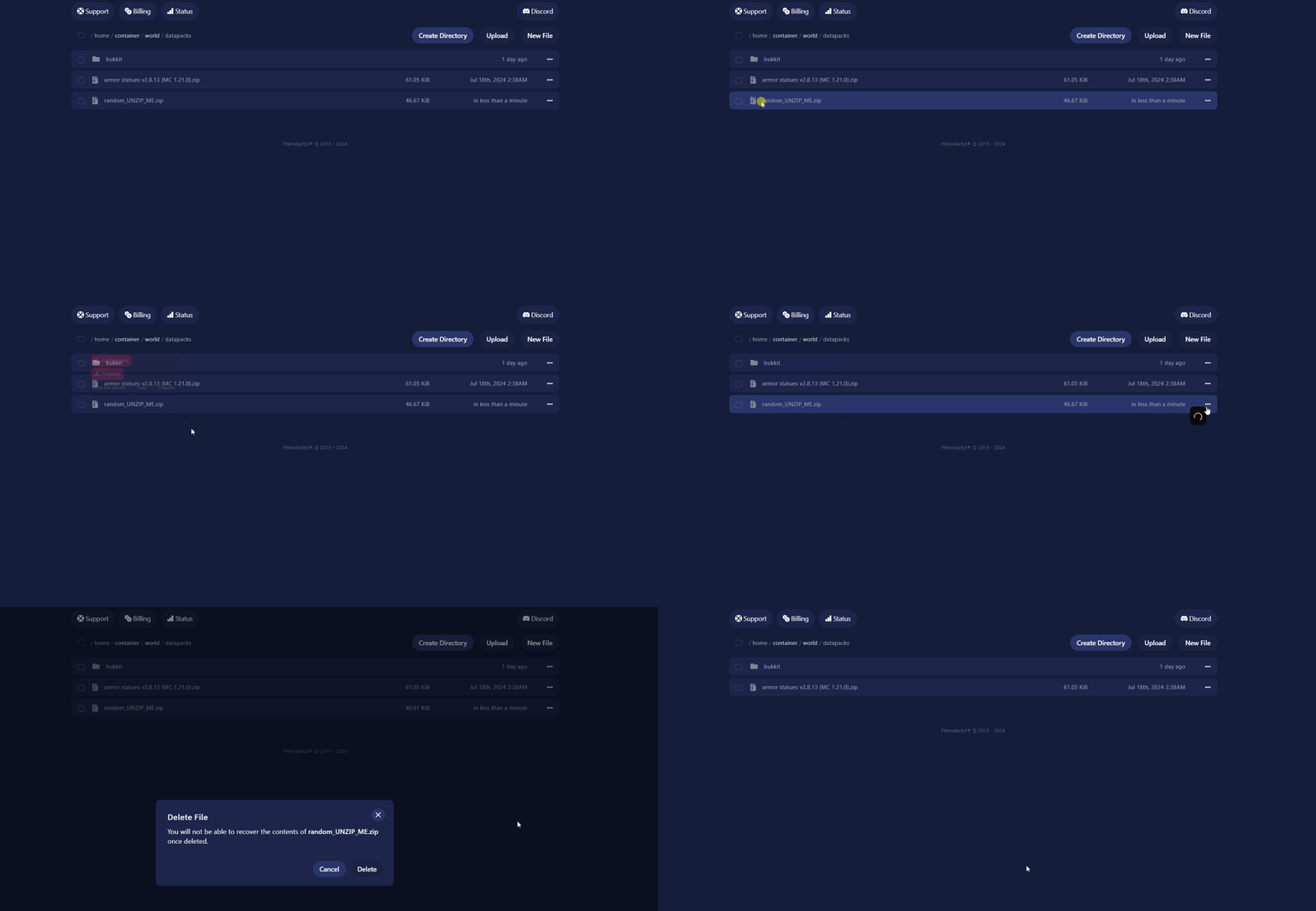
Sometimes the datapack may have "UNZIP_ME" in the name. If that’s the case, click on the three dots at the end of the filename.Note: Only unzip files that specifically say "UNZIP_ME". Other .zip files should work as they are. 
- Click on Unarchive to unzip the file (if necessary).
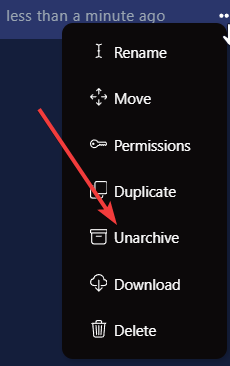
- After unzipping, delete the original file you uploaded and keep the new folder that was created.
- Restart your server to apply the changes
If you encounter any issues, feel free to reach out via Discord or create a support ticket through this link.
Lars
Updated on: 09/09/2026
Was this article helpful?