
How do I set a MOTD on my Minecraft server?
Here's a quick guide to set up your Minecraft server’s MOTD (Message of the Day):
Here's a quick guide to set up your Minecraft server’s MOTD (Message of the Day):
-
Log into the game panel and navigate to your desired server.
-
Click on Files.
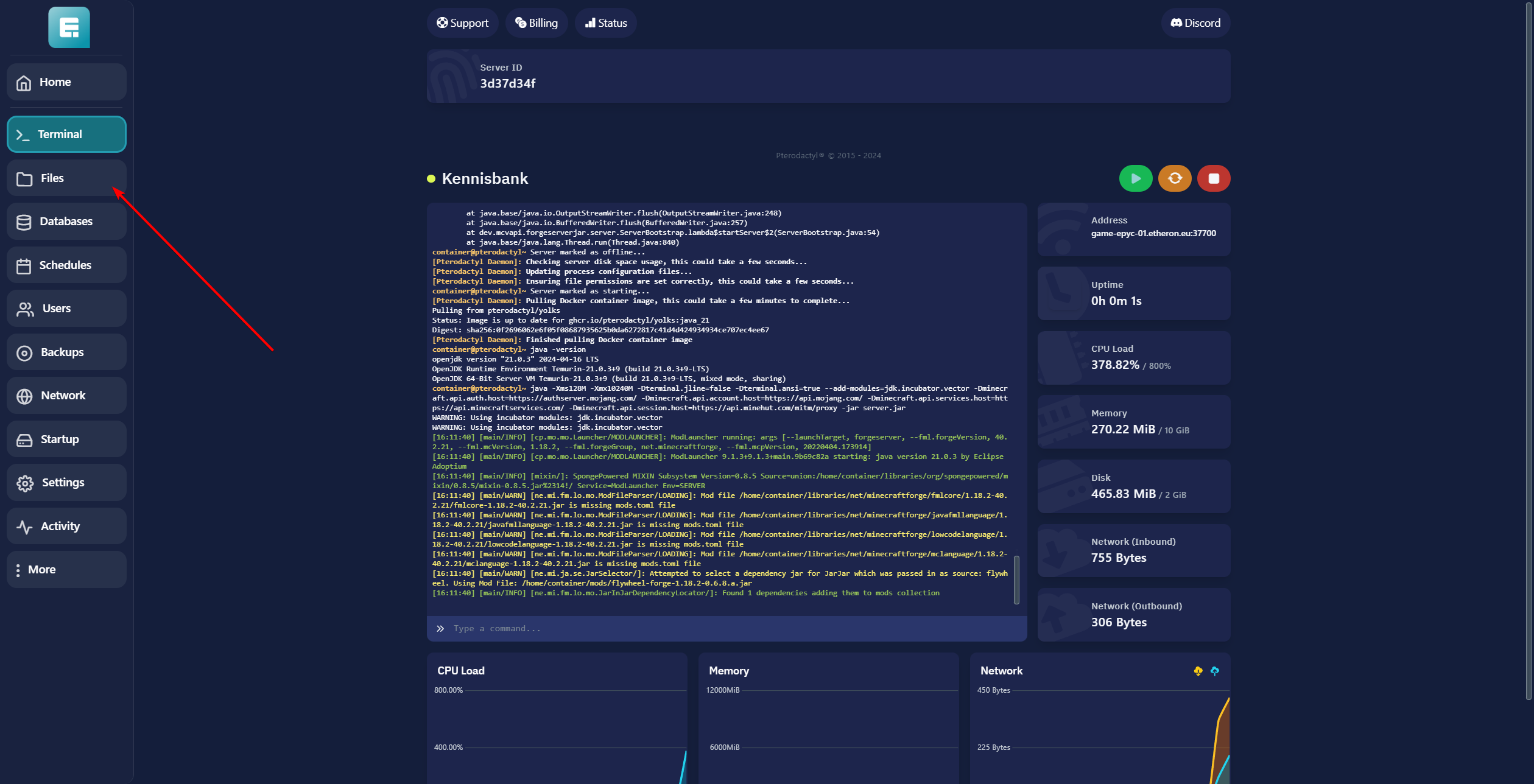
- Find and open the server.properties file.

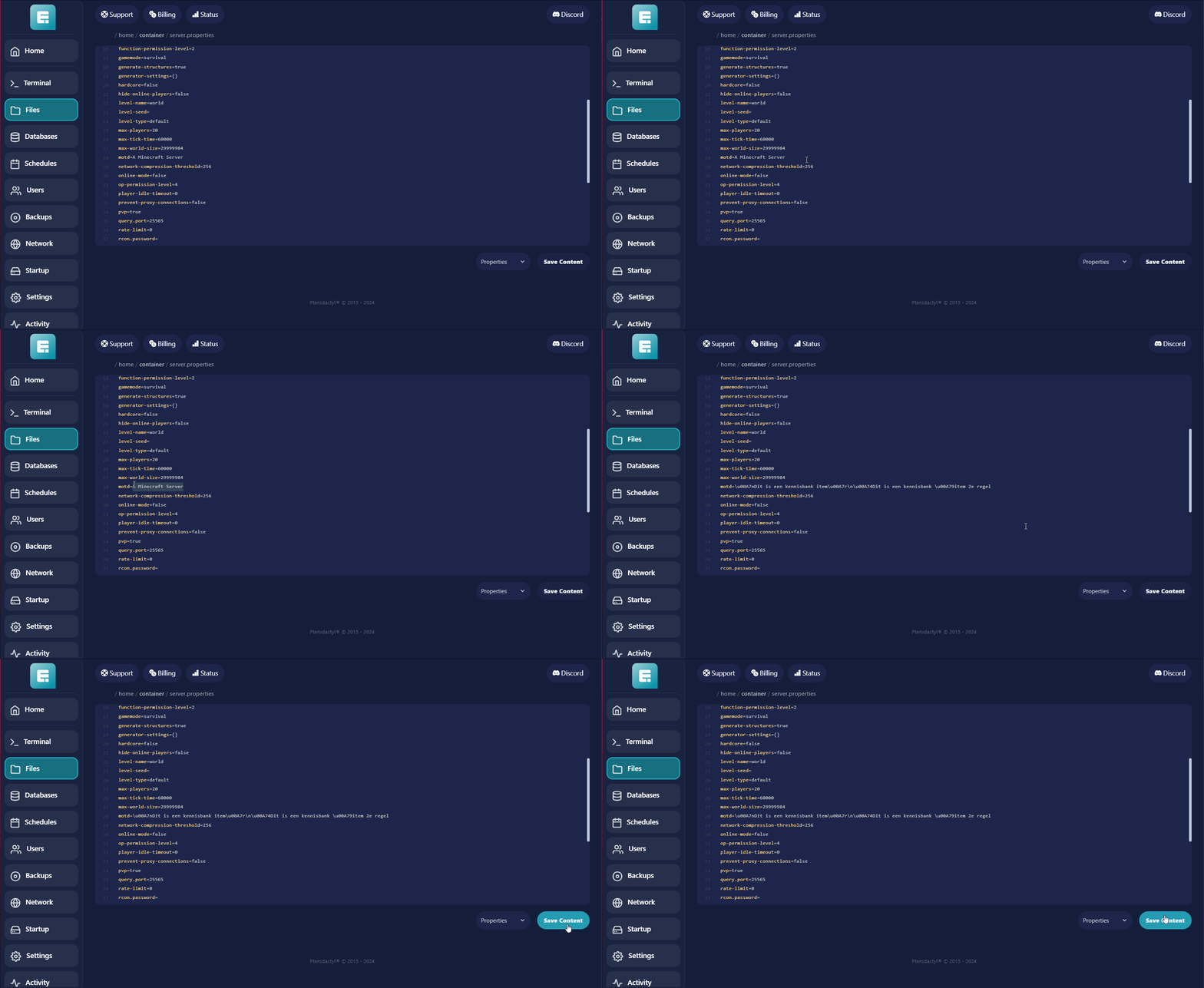
- Look for the line labeled MOTD.

- Modify the text after the
=symbol with your desired message.
Be sure to use the correct format; Vanilla Minecraft and Bungeecord servers may have different formatting.Use this tool to add fun colors to your MOTD. Copy and paste the formatted text into the appropriate spot.
- Go to Terminal.
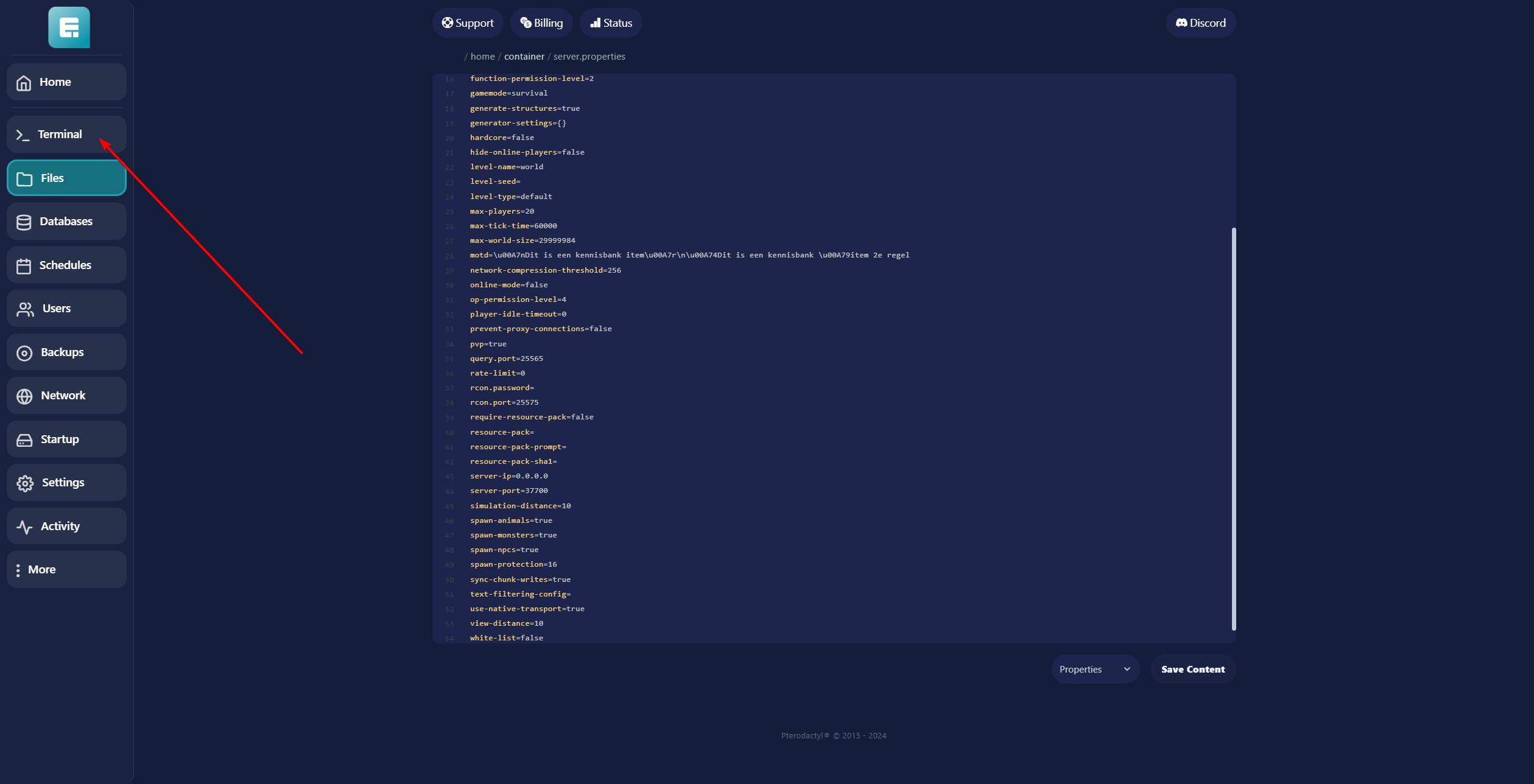
- Click the yellow restart button to apply the changes.

If you encounter any issues, feel free to reach out via Discord or create a support ticket through this link.
Lars
Updated on: 09/09/2026
Was this article helpful?