
The First Steps for Your VPS
To set up your VPS, you can refer to the knowledge base item) that explains how to install and configure your VPS step by step.
Here are the initial steps to start using your VPS.
-
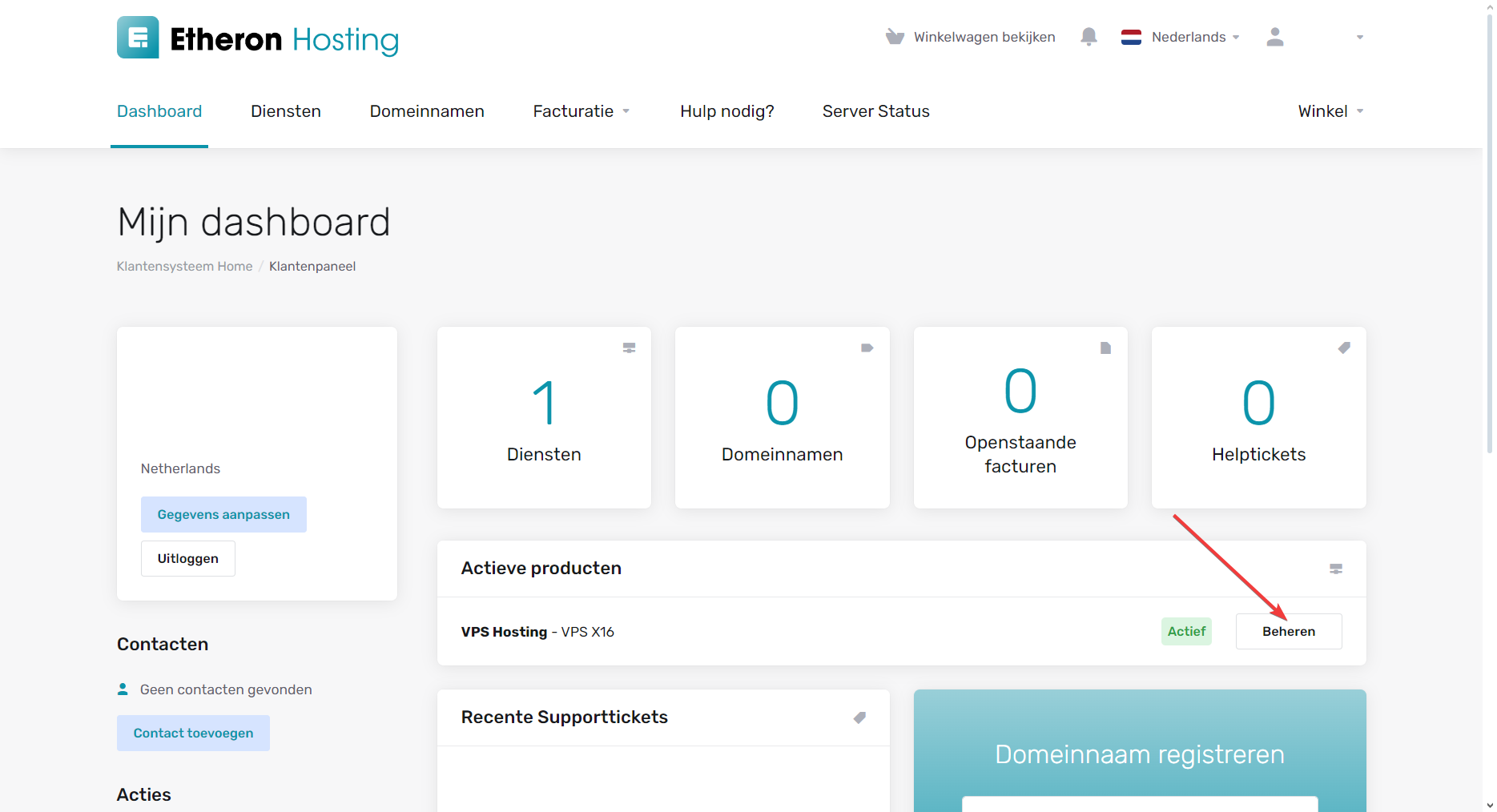
Once you receive the email confirming your VPS has been delivered, go to your customer portal via mijn.etheron.nl.
-
In your VPS hosting section, click on Manage.
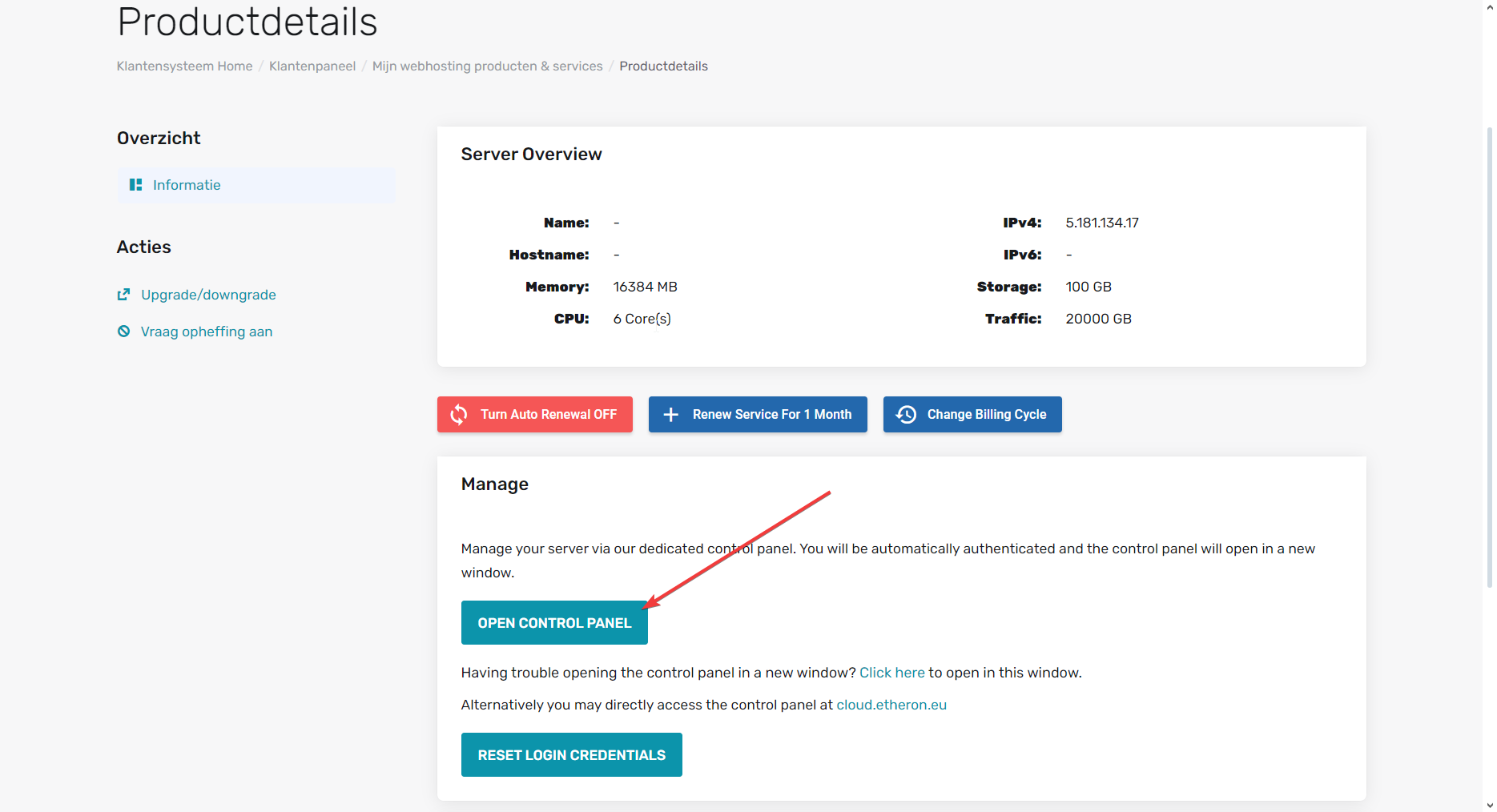
- Scroll down a bit and click on OPEN CONTROL PANEL.
To set up your VPS, you can refer to the knowledge base item that explains how to install and configure your VPS step by step.
If you encounter any issues, feel free to reach out via Discord or create a support ticket through this link.
Lars
Updated on: 09/09/2026
Was this article helpful?