
How do I Update my Valheim Plus Server?
Ensure that the backup was successfully created.4. Navigate to FILES.
Here’s how you can update your Valheim Plus server:
-
Log in to the game panel.
-
Navigate to your desired server.
-
Make a backup of the server. For more information on backups, click here:
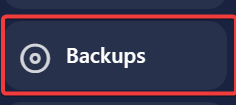
Ensure that the backup was successfully created.4. Navigate to FILES.
- Select all files:
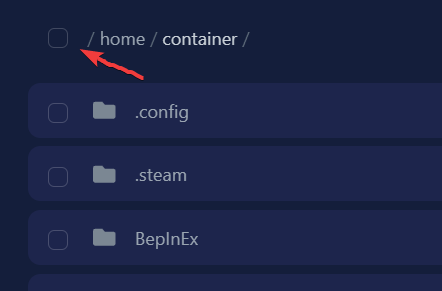
-
Make sure the .config folder is not selected. This folder contains all your settings and world files.
-
Scroll to the bottom and click on the trash bin to delete the selected files.
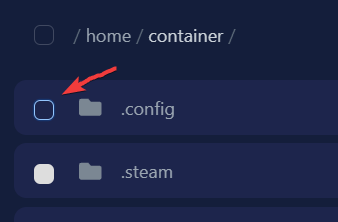
- Go to Settings and click on Reinstall Server.
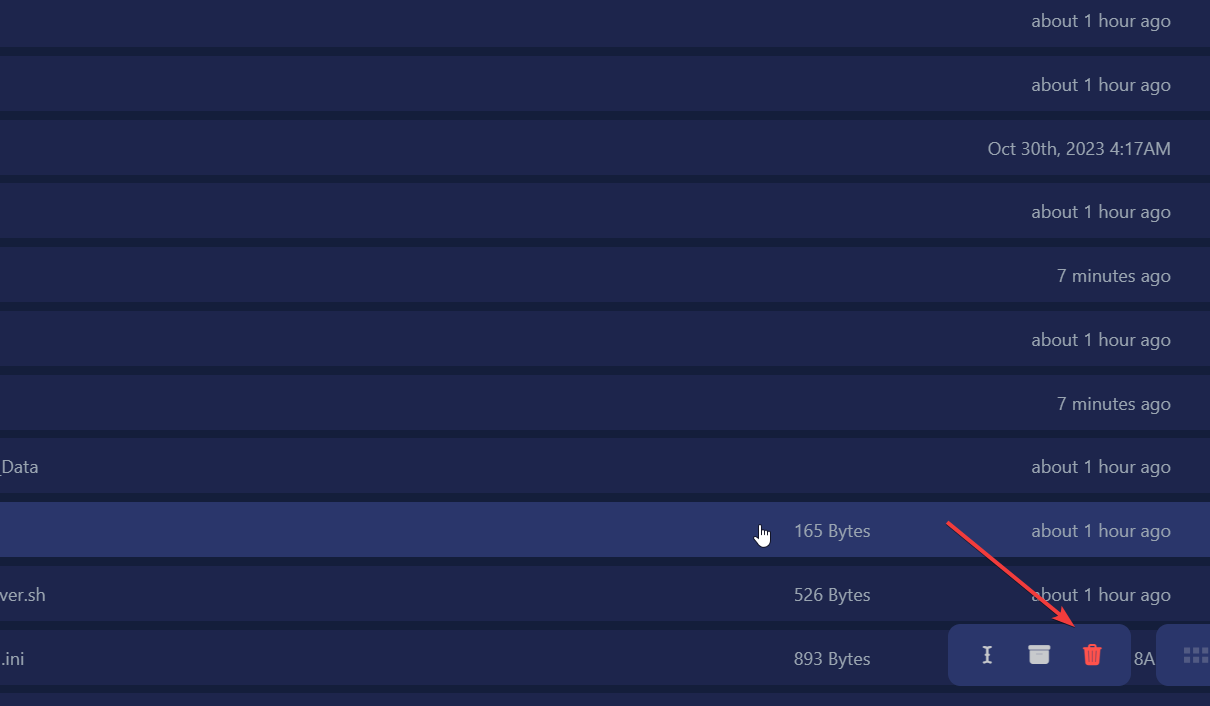
Your Valheim Plus server is now updated!If you encounter any issues, feel free to reach out via Discord or create a support ticket through this link.
Lars
Updated on: 09/09/2026
Was this article helpful?