
How do I join my Valheim server?
One of the quickest ways is to add a Launch Parameter to Valheim in Steam. This will make you join the server directly after selecting your character.
In this guide, we’ll show you several ways to join your Valheim server.
Method 1: Steam Launch Options
One of the quickest ways is to add a Launch Parameter to Valheim in Steam. This will make you join the server directly after selecting your character.
First, make sure your game is completely closed. Right-click on Valheim in your Steam Library and go to Properties.
At the bottom of the General tab, there’s a LAUNCH OPTIONS text field. Enter +connect IP:PORT here. It should look like this:
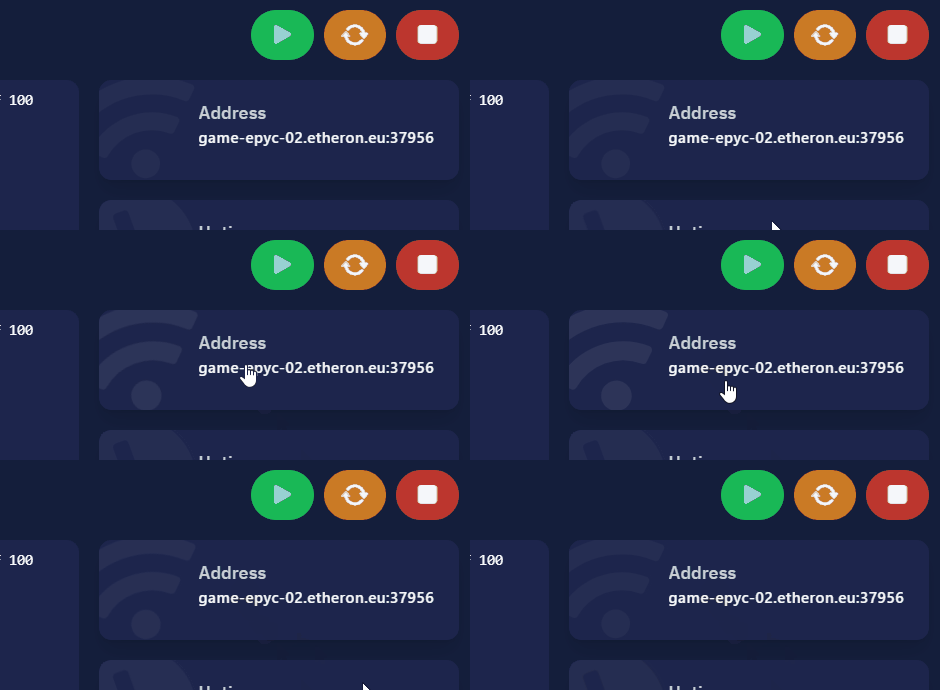
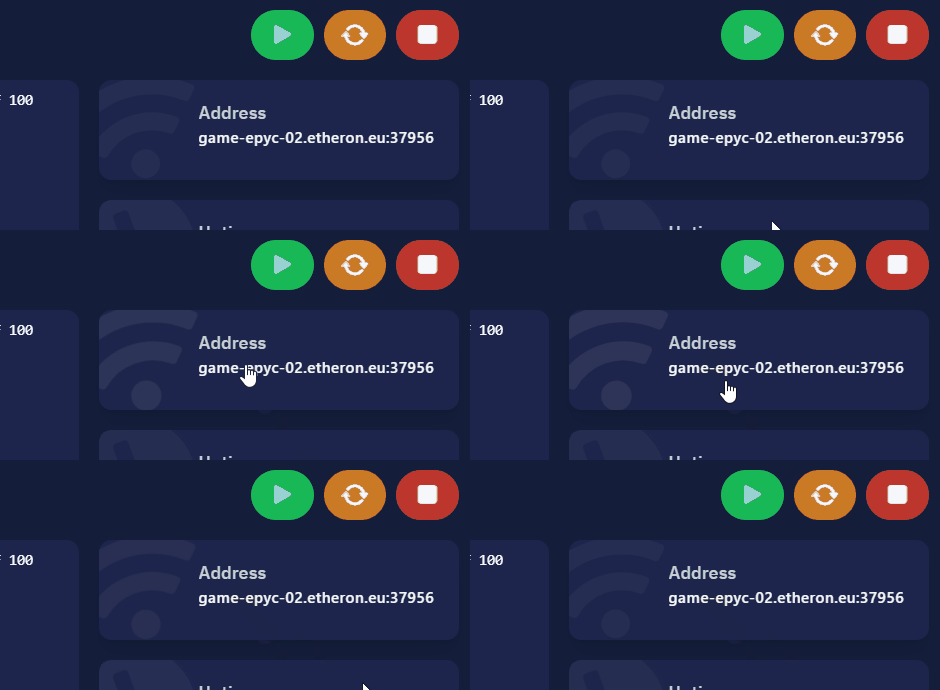
Make sure the IP address and port match your server’s. You can find these in Server Info under Terminal > Address.
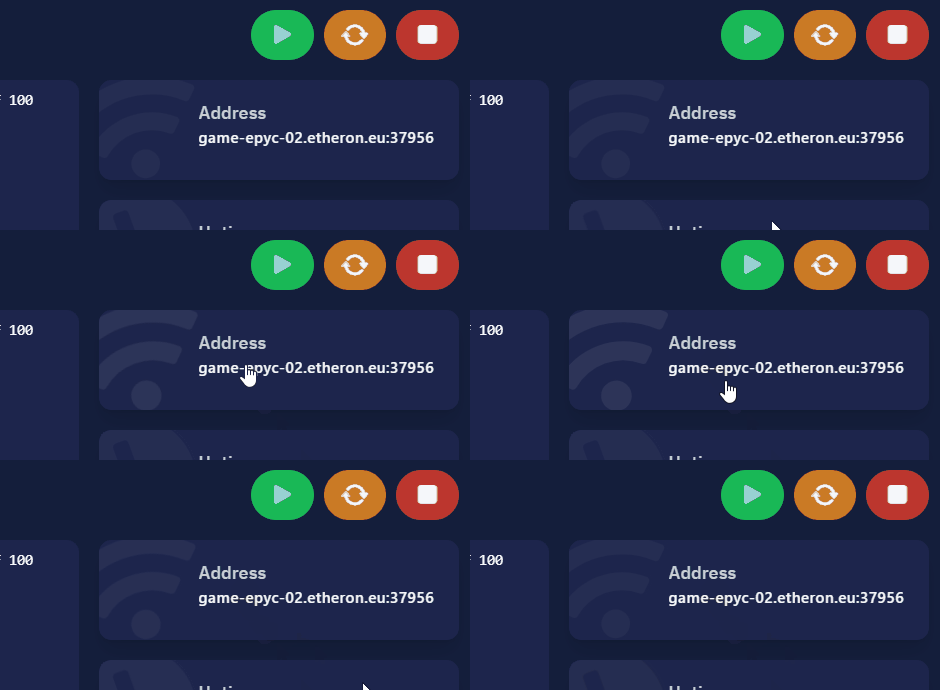
Zodra je de Start optie ingevuld hebt, start de game, selecteer je character en klik op Start. Hierbij join je gelijk de ingestelde server.
Method 2: Valheim Join IP
You can also join via the Join IP button in Valheim as shown here:
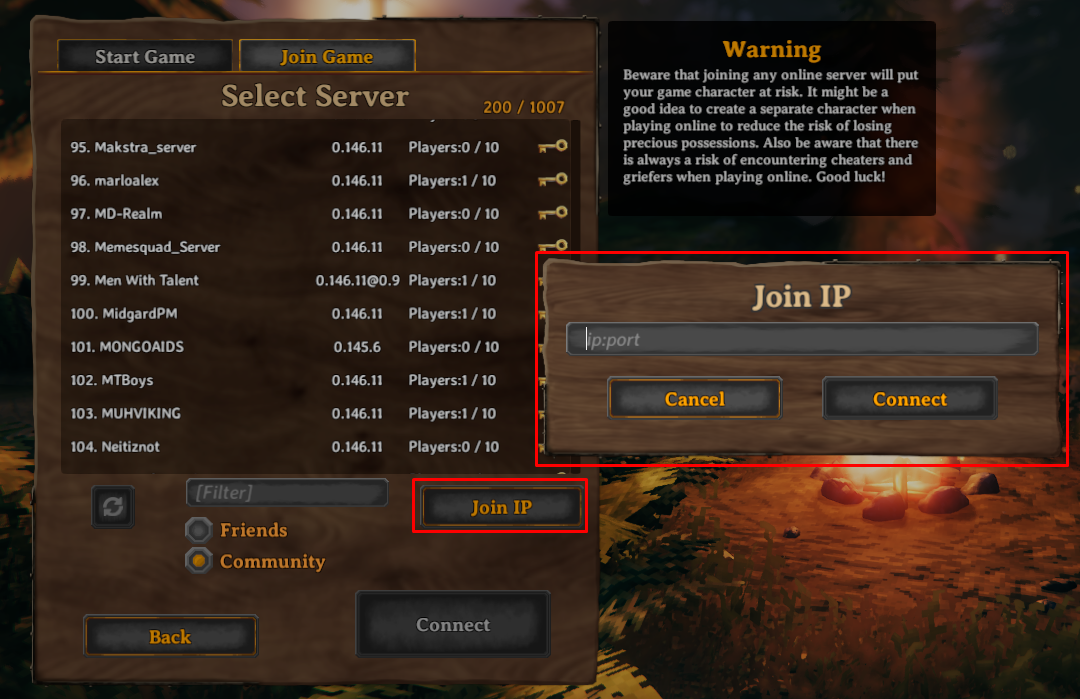
The IP address and port can be found in Terminal under Terminal > Address.
Method 3: Server List
Your Valheim server will also appear in the server list. You can search for your server in the list. We recommend changing your server’s name before searching for it to make it easier to find. After starting your server, it may take a few minutes for it to appear in the list.
The article on how to change your server name is here: How to Change the Name of a Valheim Server?
If you encounter any issues, feel free to reach out via Discord or create a support ticket through this link.