
How do you add a plugin to your server?
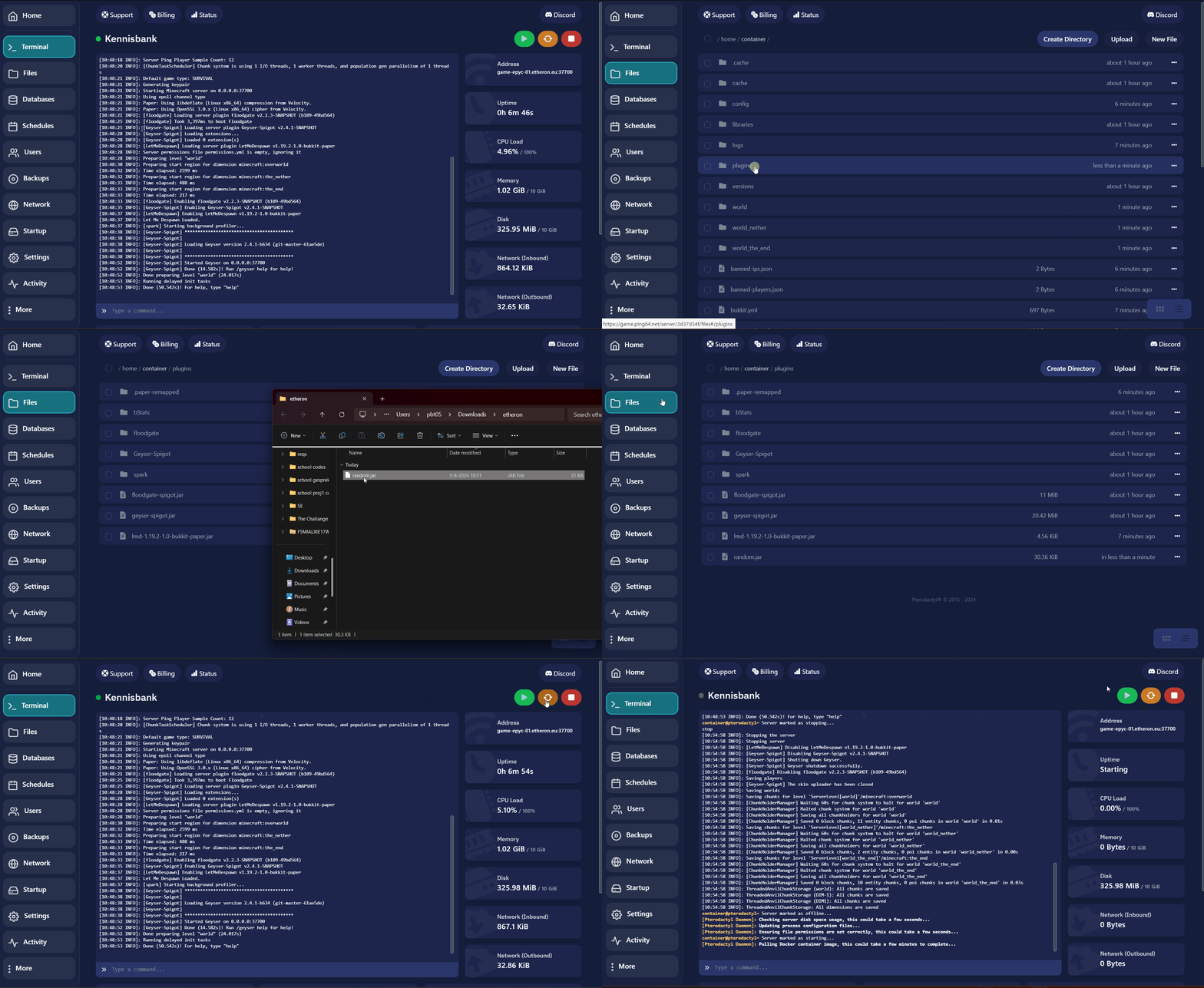
Is your plugin not in the plugin manager? Follow the following steps:1. Download the plugin and make sure it's a .jar file.
In this article, we’ll guide you through adding a plugin to your server.
-
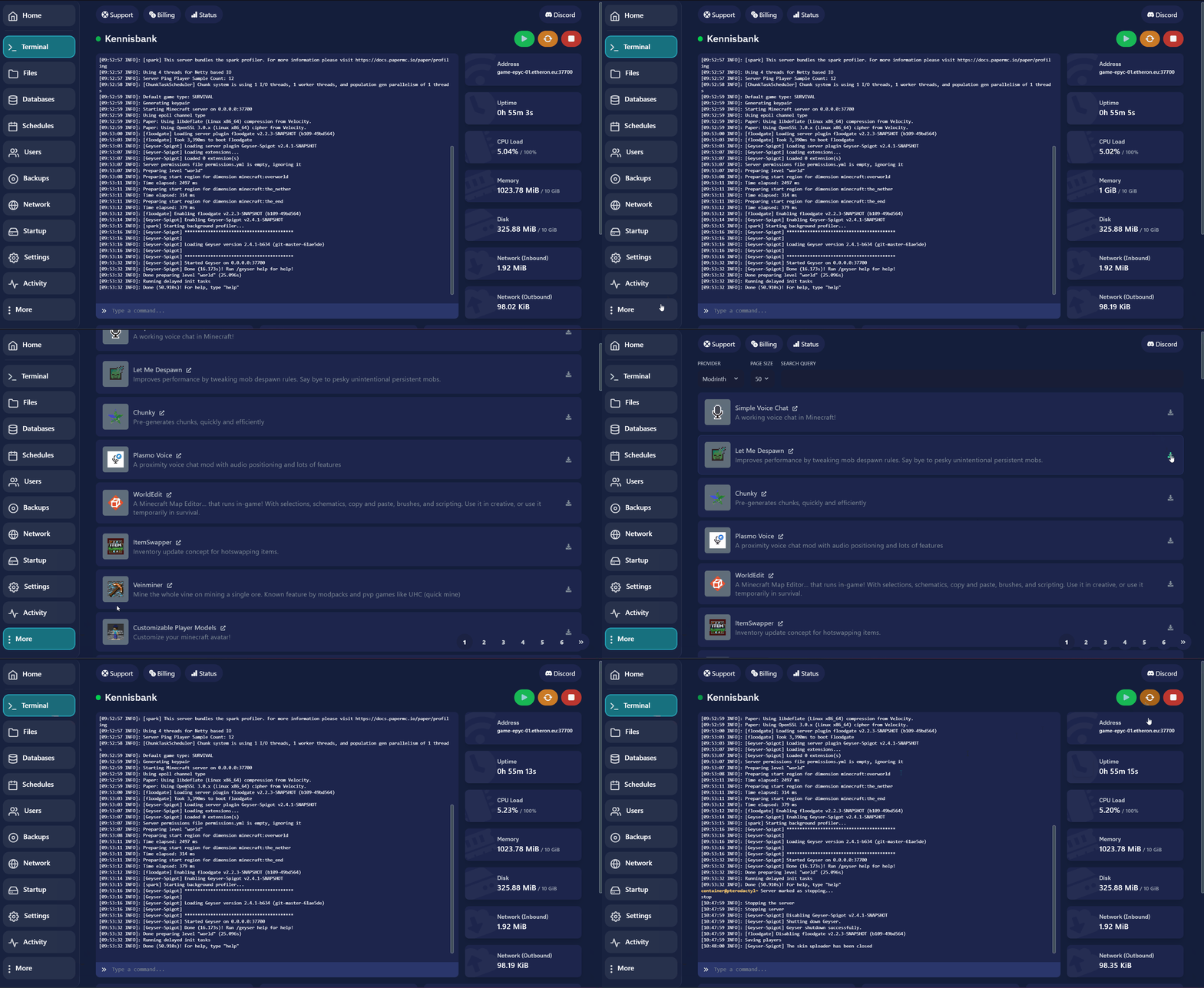
Go to your game panel.
-
Click on More > Plugins.
-
Click install next to the plugin you want.
Is your plugin not in the plugin manager? Follow the following steps:1. Download the plugin and make sure it's a .jar file.
-
Go to Files.
-
Click on the plugins folder.
-
Drag the .jar file into the plugins folder.
After adding the plugin, reload or restart your server.If you encounter any issues, feel free to reach out via Discord or create a support ticket through this link.
Lars
Updated on: 09/09/2026
Was this article helpful?