
How do I add 2FA on the game panel?
Learn how to add 2FA on the game panel with clear step-by-step instructions.
Here’s How to Enable 2FA on Your Game Panel
-
Log in to the game panel.
-
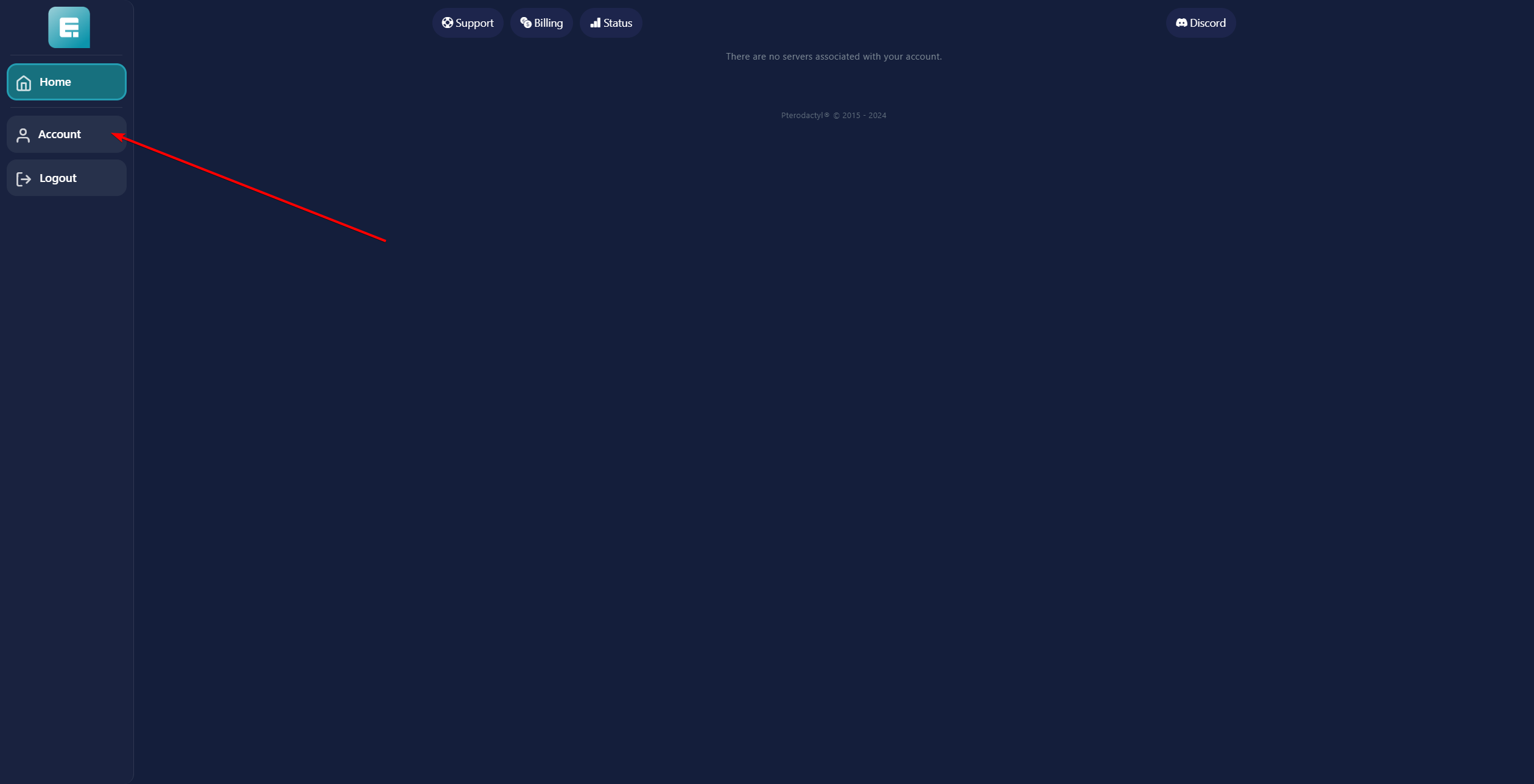
Click on Account on the left side of the screen.
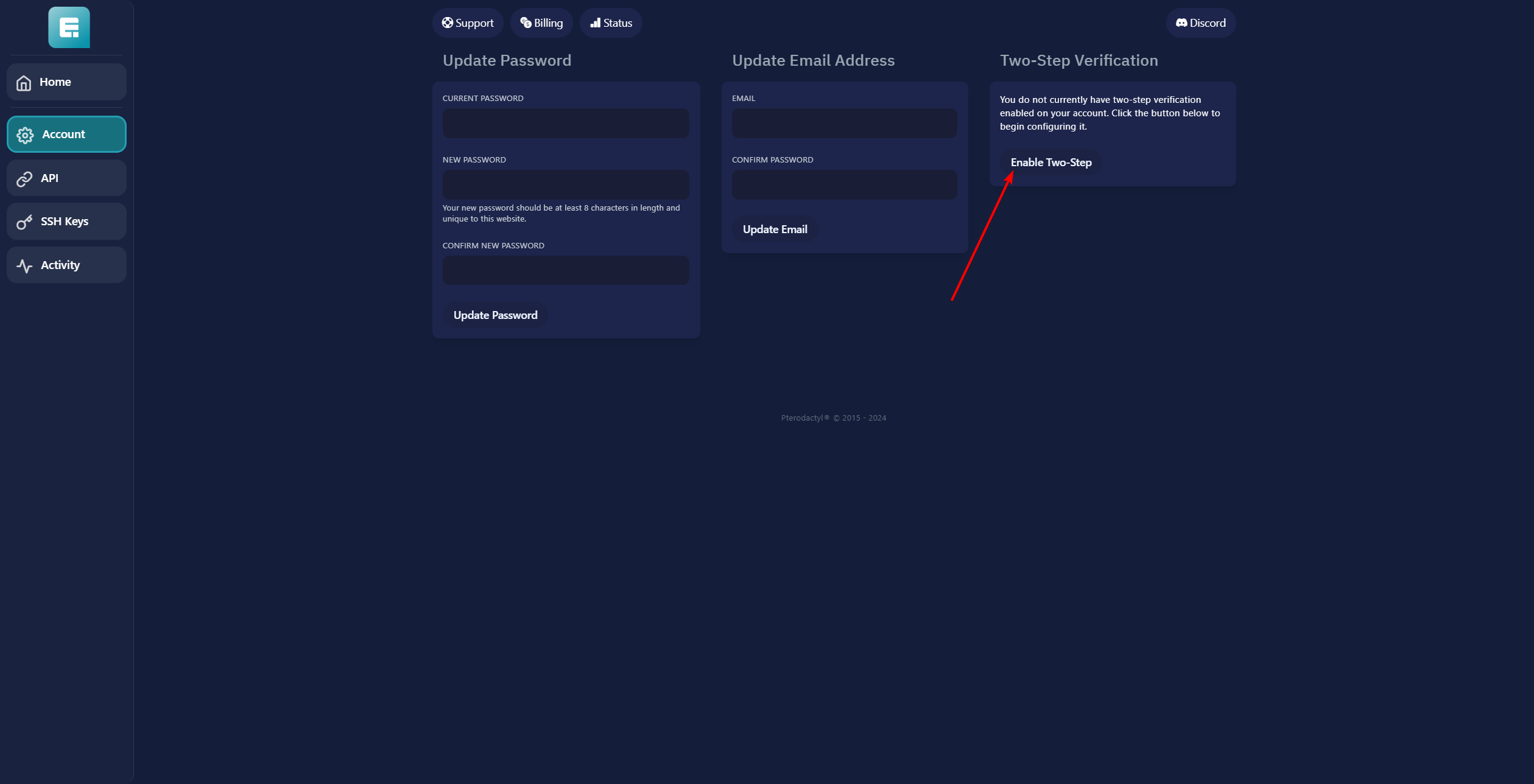
- Click on Enable Two-Step on the right.
-
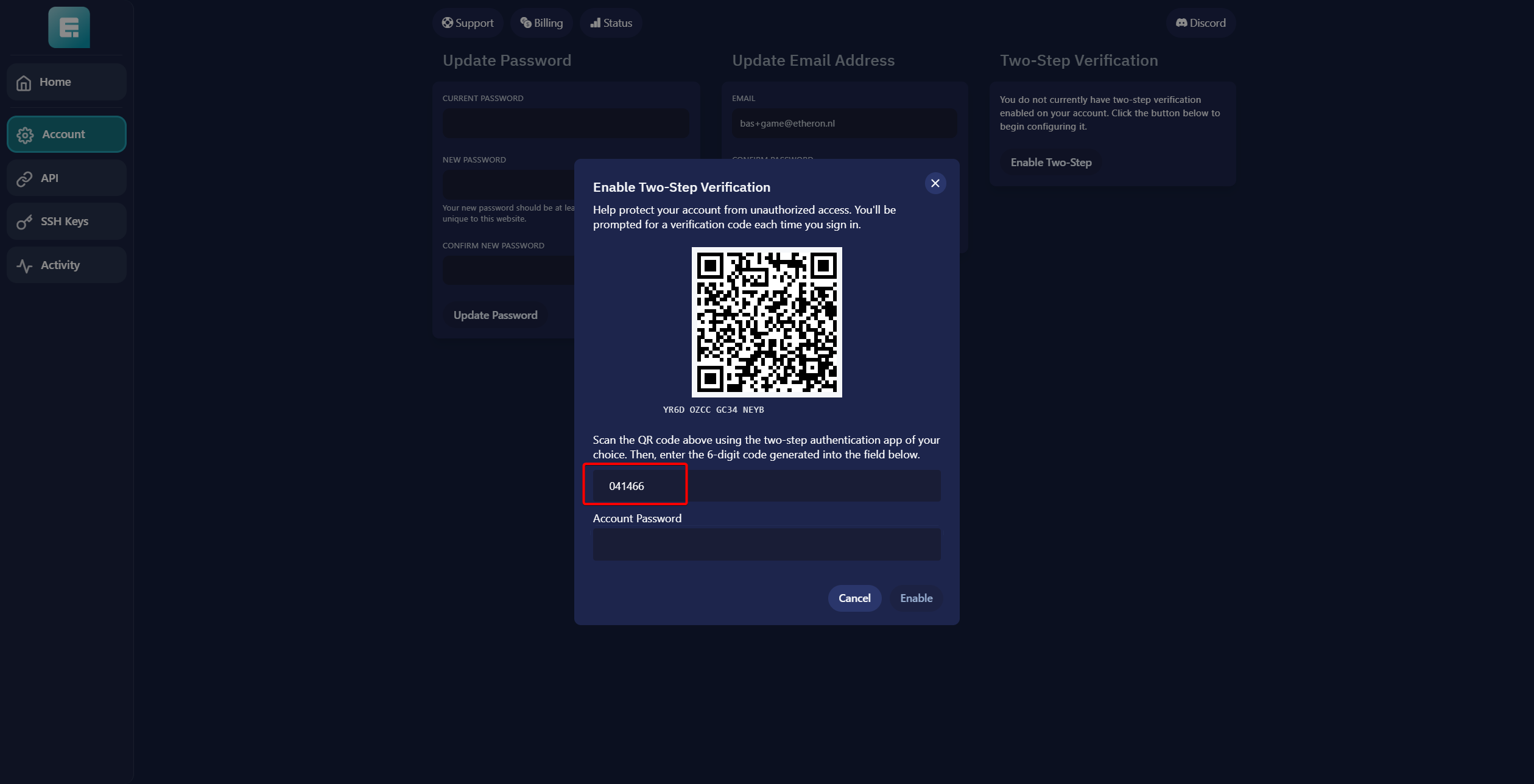
Scan the QR code or enter the code below the QR code into your authenticator app.
-
Enter the digits you receive in the space labeled 000000.
- Enter your game panel account password below.
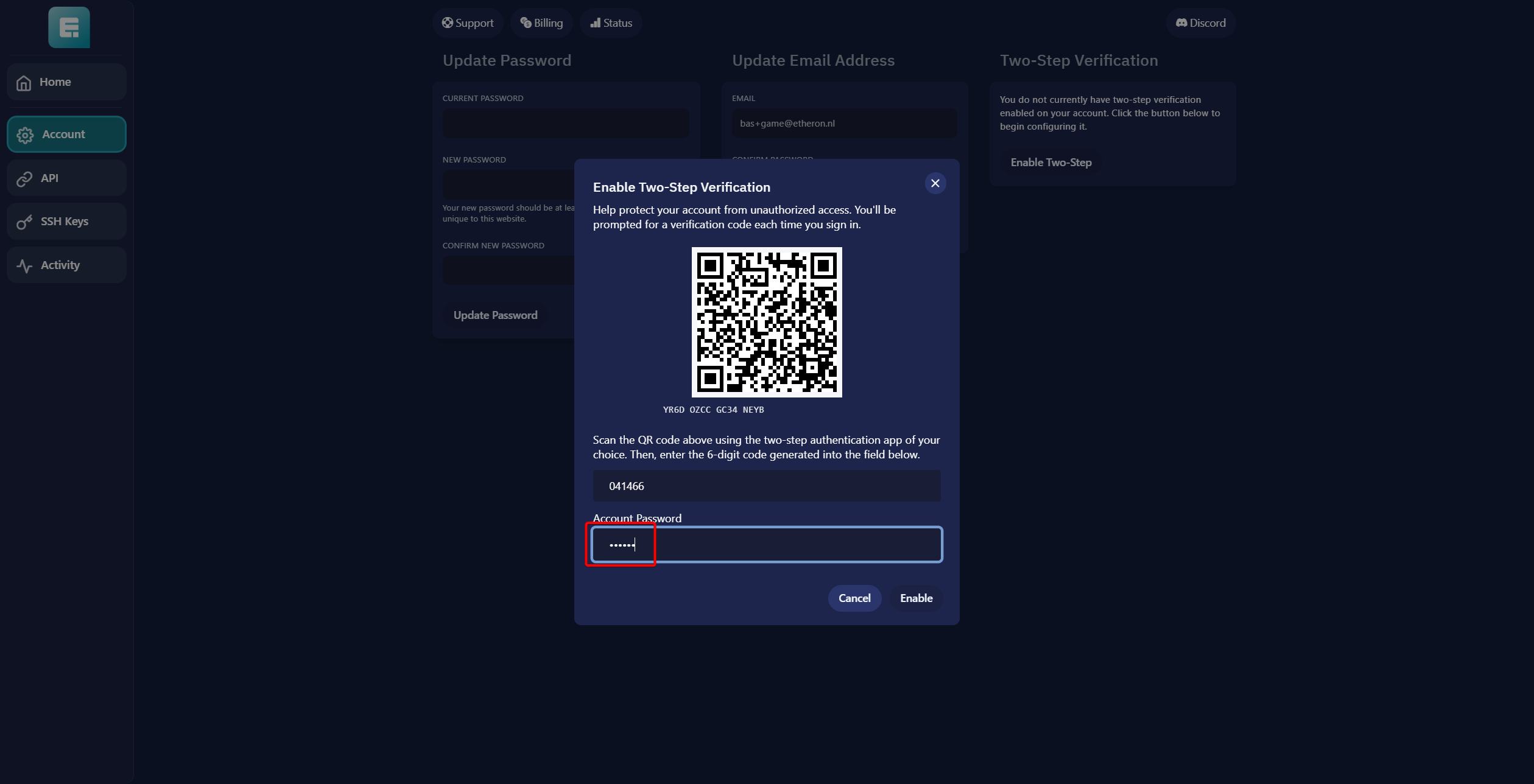
- Click on Enable.
You will now see recovery codes. Make sure to store these somewhere safe where you won’t lose them!
- 2FA is now enabled!
If you encounter any issues, feel free to reach out via Discord or create a support ticket through this link.
Lars
Updated on: 09/09/2026
Was this article helpful?