
Enabling VNC
In this article, we’ll explain how to enable VNC for your VPS. This can be useful when using
In this article, we’ll explain how to enable VNC for your VPS. This can be useful when using Windows Server or completing an installation from your custom ISO.
-
Go to https://cloud.etheron.eu
-
Choose your VPS and click on Manage.
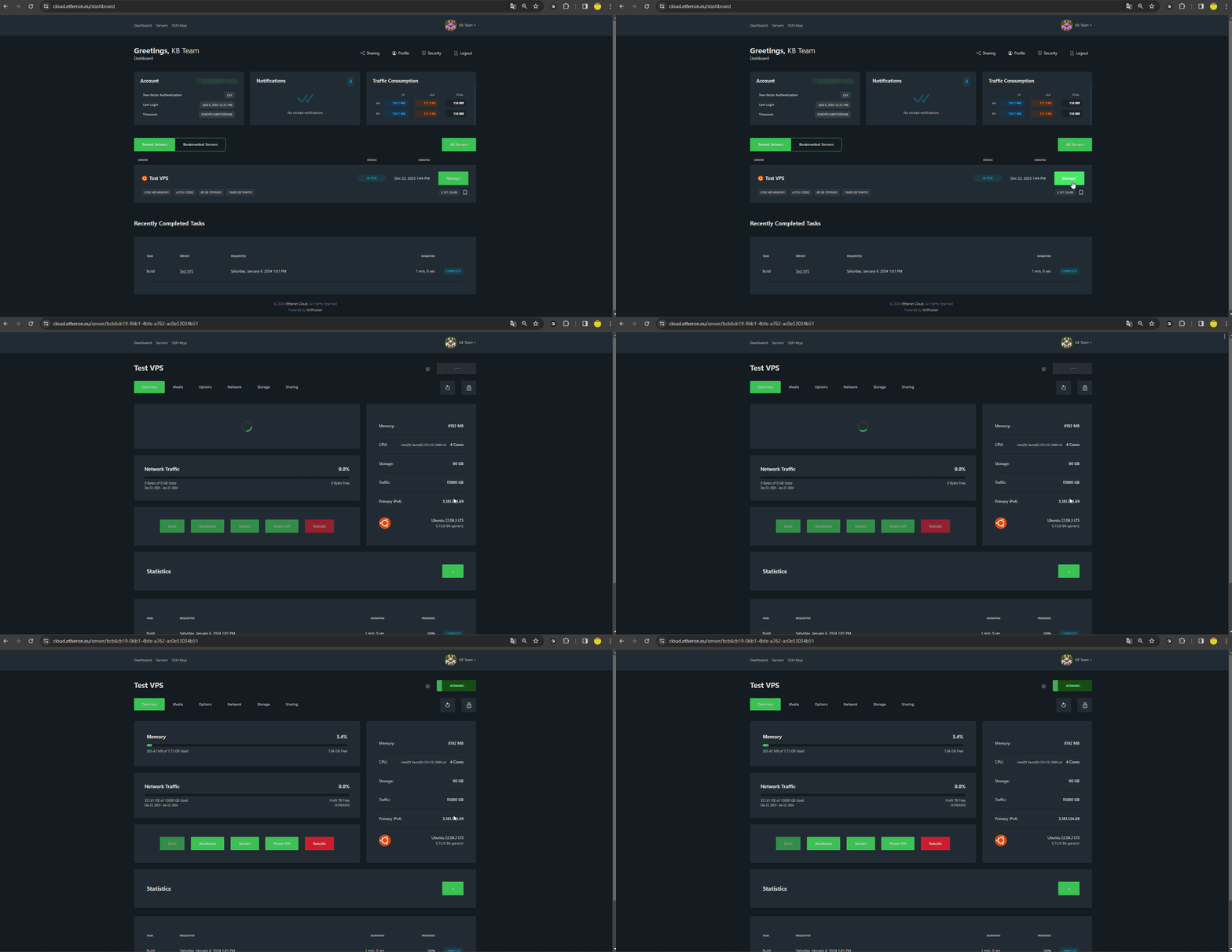
-
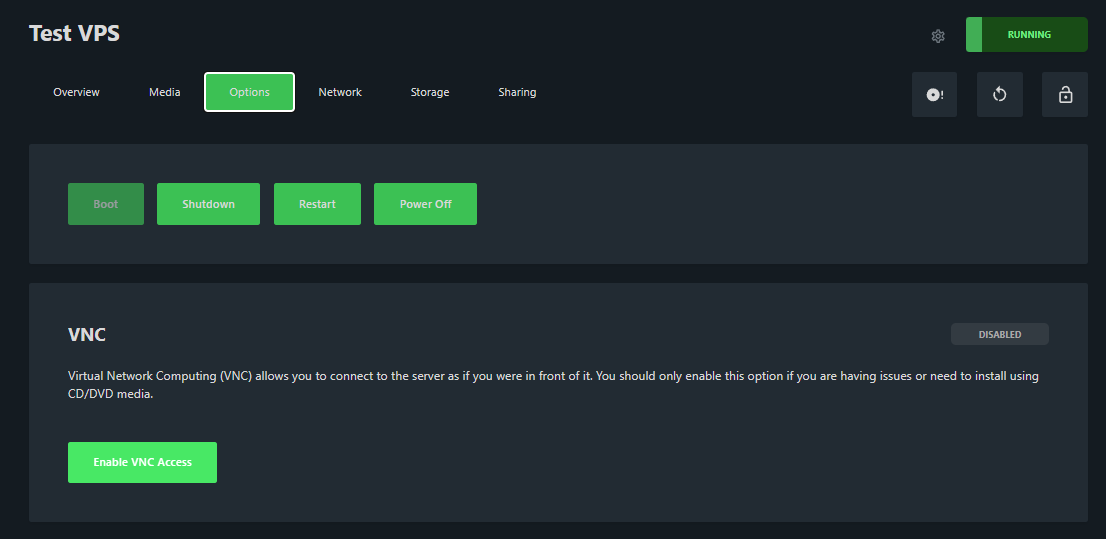
Navigate to Options.
-
Click on Enable VNC Access.
- Click on Browser VNC.
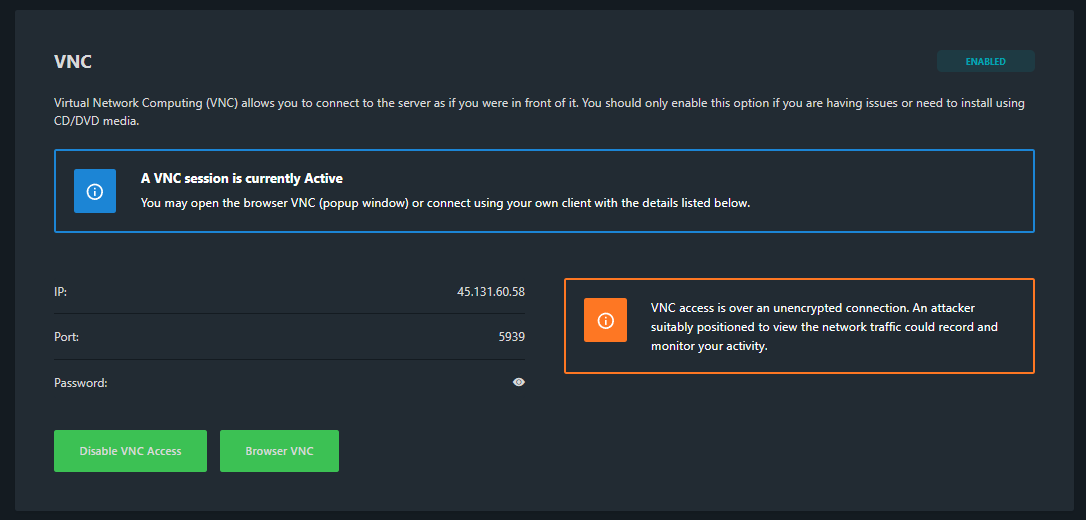
Now you have successfully enabled VNC on your VPS!If you encounter any issues, feel free to reach out via Discord or create a support ticket through this link.
Lars
Bijgewerkt op: 05-05-2026
Was dit artikel nuttig?